
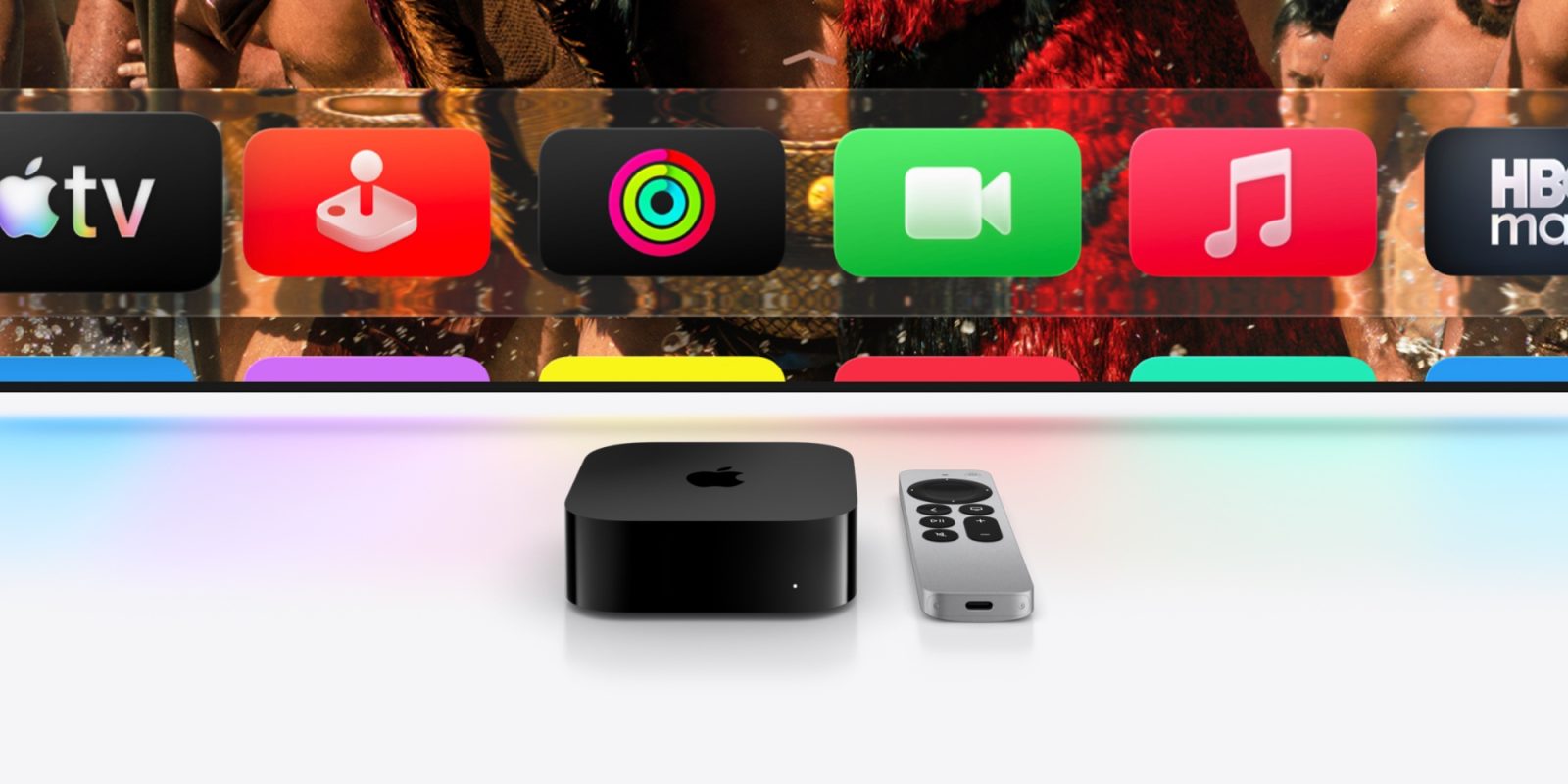

The anticipation for a new Apple TV 4K persists, yet Apple has consistently incorporated fresh features into tvOS 26 through recent updates, including two modifications that improve the user experience.
## Profile Enhancements
Each streaming service offers its own user profile capability, but before tvOS 26, Apple’s universal option was rather limited. With the launch of tvOS 26.2, Apple made notable advancements to the profile system.
Firstly, users now have the ability to create a new profile without requiring a linked Apple Account. This is especially advantageous for families with young children, enabling parents to set up profiles for their kids without needing separate accounts.
Secondly, the Apple TV app now sorts content according to the age of the active profile. This allows parents to establish a profile for their toddlers, ensuring they only have access to age-appropriate material. This functionality helps maintain the main Watchlist free from children’s shows and movies.
## Genius Browse for TV and Movie Suggestions
In tvOS 26.4, the Apple TV app unveiled a fresh recommendation feature known as Genius Browse. This feature provides personalized content suggestions that can be tailored for individual users or shared across household profiles.
Users can locate Genius Browse by navigating down to the appropriate section in the Apple TV app. It showcases a variety of suggested collections, such as “Action-Packed Sci-Fi,” “Based on a Book,” and “Thrilling Sports Stories.” Each collection features TV and movie recommendations from Apple’s streaming service along with other compatible platforms.
One of the remarkable aspects of Genius Browse is the option to select a title and receive further suggestions that are akin to that title. This multi-layered approach to recommendations improves the exploration of new content. Moreover, Genius Browse incorporates filtering tools and personalizes suggestions based on user profiles.
These updates in tvOS 26 greatly enhance the overall experience for Apple TV users, streamlining content navigation and providing customized viewing choices.