
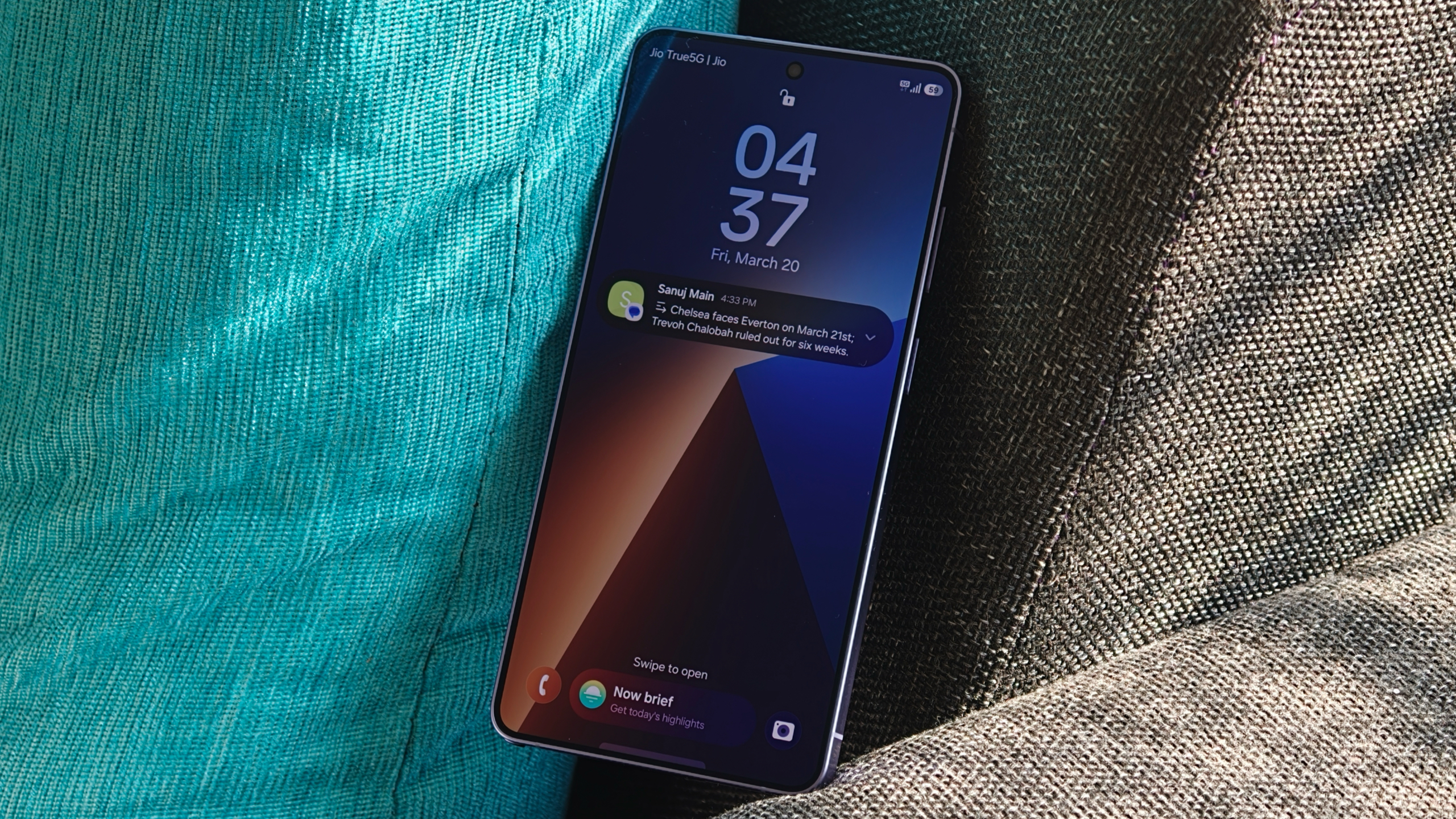

Samsung’s latest AI features have significantly transformed the user experience of the Galaxy S26, especially regarding notification management. With the rollout of One UI 8.5, Samsung has incorporated AI-driven functionalities that simplify the notification system, making it more convenient for users to remain organized and updated.
The Notification Summary feature stands out as a notable enhancement, summarizing lengthy notifications into brief, easily digestible snippets. This allows users to swiftly understand the core of messages without needing to open each one individually. It supports various languages and is compatible with major messaging platforms such as WhatsApp, Google Messages, and Facebook Messenger.
Another cutting-edge feature is the Prioritize Notifications function, which smartly arranges notifications according to user habits. It recognizes which apps and alerts are most vital to the user, ensuring that essential notifications appear first. This functionality also processes data locally, safeguarding user privacy.
To activate these features, users can go to the Settings app, choose Notifications, and then access Notification Highlights to enable both Summarize and Prioritize notifications.
In summary, these AI features improve the Galaxy S26’s functionality by delivering a more efficient and tailored notification experience while ensuring user data remains protected.