
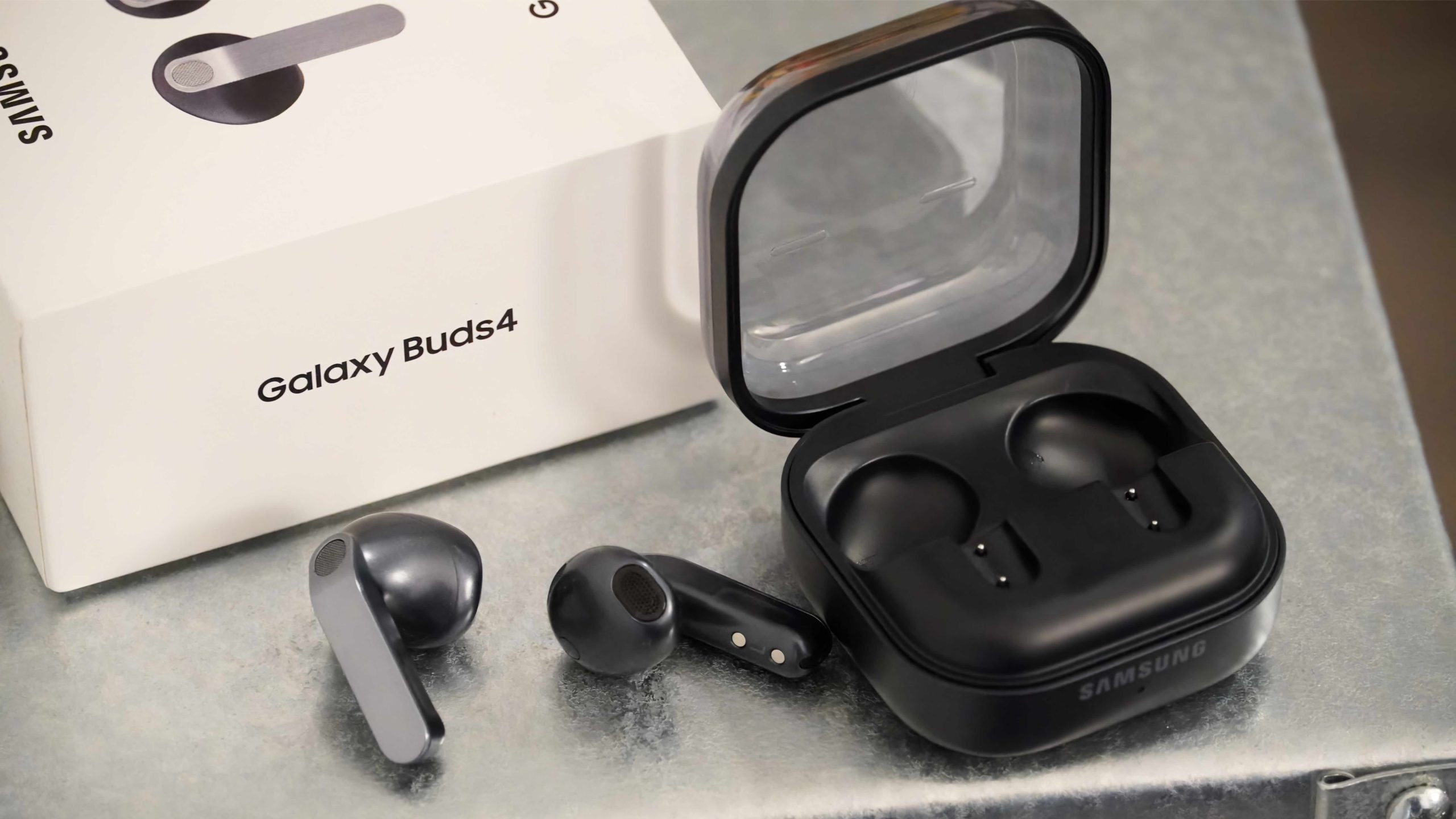

Software enhances the Galaxy Buds, yet their most valuable capabilities remain optional.
The Samsung Galaxy Buds 4 series debuts with a revamped design and a new charging case, but the hardware changes are merely the starting point. There’s no doubt that the Galaxy Buds 4 and Galaxy Buds 4 Pro represent a significant visual shift from the Galaxy Buds 3 and Galaxy Buds 3 Pro. Nonetheless, the software improvements are just as thrilling, and I’ve been evaluating the Galaxy Buds 4 to uncover them all.
From enabling high-resolution Bluetooth audio to monitoring your earbuds’ whereabouts, these are the features essential for maximizing the potential of the Galaxy Buds 4. Priced at $180 for the Galaxy Buds 4 and $250 for the Galaxy Buds 4 Pro, these are enticing choices for any Samsung Galaxy smartphone user. Utilizing Samsung earbuds with a Samsung device unlocks exclusive features, many of which are listed here.
Gaming mode
Samsung has integrated Bluetooth 6.1 and Bluetooth Low Energy (BLE) support into the Galaxy Buds 4 series. However, the default wireless mode employed by the Galaxy Buds 4 and various wireless earbuds may not be optimal for gaming. During gameplay, latency is essential—hearing sounds as they occur is vital for ultimate competitiveness and immersion. Fortunately, there’s an unpublicized gaming mode accessible for the Galaxy Buds 4.
To locate it, open the Settings app on a Galaxy phone linked to your earbuds and tap on the Galaxy Buds 4 tab. Next, navigate to the Advanced features section and select Labs. Here, you can toggle the Gaming mode, which minimizes audio delays for “vivid, synchronized gaming sound.”
It’s important to note that this mode might lead to connectivity issues or dropped signals, particularly in environments with significant Bluetooth interference. It’s advisable to activate gaming mode only when you are actively engaging with in-game audio through your Galaxy Buds 4 for optimal results.
Ultra high quality audio
Samsung provides several sound-quality enhancements for the Galaxy Buds 4, including 360 Audio with spatial sound and head tracking. However, the captivating new feature introduced is ultra-high quality (UHQ) audio support. Utilizing the Samsung Seamless Codec (SSC), your Galaxy Buds 4 can achieve up to a 96kHz sample rate in compatible applications. This mode offers authentic high-fidelity audio over a wireless connection, aiming to rival codecs such as Sony’s LDAC or Qualcomm’s aptX suite.
To experience the maximum 24-bit/96kHz audio fidelity that the Galaxy Buds 4 provide, a Samsung device is required. This feature is also optional, which is not surprising. You may not always require or desire the enhancement in quality, and employing the SSC-UHQ wireless audio codec may diminish battery life.
Still, it’s a handy feature you can activate by opening the Settings app on a Galaxy phone paired with your earbuds and tapping on the Galaxy Buds 4 tab. Then, select Sound quality and effects, followed by Advanced quality options. This is where you can toggle the ultra high quality (UHQ) audio switch for improved sound. Keep in mind that you can choose either high-quality audio or low-latency gaming mode—they cannot be utilized simultaneously.
Samsung Find
While wireless earbuds are extremely convenient, they can also be more easily misplaced. The Samsung Galaxy Buds 4 series seamlessly integrates with the Samsung Find app for effortless earbud tracking and location. To set this feature up for the first time, open the Settings app on your phone and tap the Galaxy Buds 4 tab. Then, select Find my earbuds and follow the on-screen instructions to add them to the Find app. The app requires location permissions to function.
Once set up, your earbuds’ last known location will be displayed in the Find app, allowing you to ring them or refresh their location. The app also shows the battery level of the earbuds, so you’re aware of how long they will last before needing a charge. There’s also a lost mode and a Notify when left behind toggle to help you monitor your earbuds and prevent loss. If you often misplace your earbuds, enabling this feature is a smart choice.
Auracast
With Bluetooth Low Energy support and compatibility with Android 16-based devices, the Galaxy Buds 4 can be used with Auracast. For those who aren’t familiar, Auracast is an emerging wireless technology that enables multiple low-energy devices to connect to host devices for audio broadcasting. You might utilize Auracast to link 10 pairs of earbuds to a single tablet for movie viewing, or for hundreds of individuals to listen to announcements in a public museum.
The possibilities seem virtually limitless, yet the technology is still developing. If you wish to experiment with it early, you can do so with the Galaxy Buds 4. In the earbuds’