
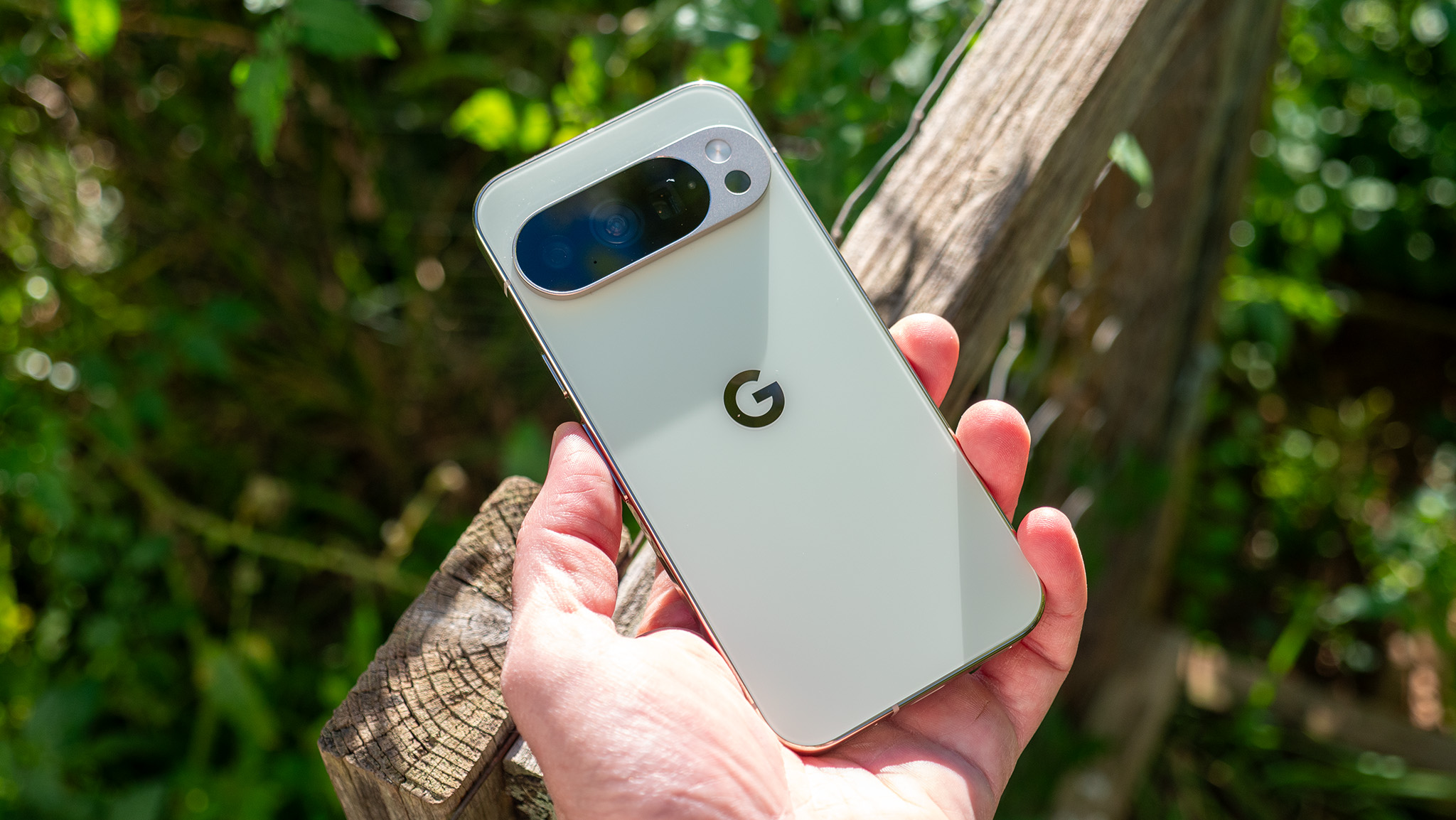

Google Pixel smartphones are well-known for their sophisticated AI capabilities, yet they come with their share of challenges, particularly regarding Bluetooth connectivity. Numerous users have faced difficulties with Bluetooth connections, especially when utilizing Android Auto. To tackle these problems, Google has rolled out a concealed Bluetooth diagnostics tool within Pixel phones, aimed at assisting users in pinpointing and rectifying connectivity issues.
The Bluetooth diagnostics tool is a component of the Pixel Troubleshooting app, which recently underwent an update (v1.0.885948717) to incorporate this feature. This tool performs a series of assessments to uncover connection problems and offers potential solutions if any issues are detected.
To utilize the Bluetooth diagnostics tool, adhere to these instructions:
1. Update the Pixel Troubleshooting app to the newest version through the Google Play Store.
2. Launch the Settings app on your Pixel device.
3. Go to Connected devices and select Bluetooth diagnostics.
4. Pick the relevant option according to your situation. If your device is already linked, select it. If you are encountering connection difficulties, choose the Can’t find your device option. For specific devices like Pixel Buds, Pixel Watch, or Android Auto, select the appropriate choice. For other devices, tap Others.
5. Choose the issue you are experiencing from the list.
6. The tool will then conduct Bluetooth tests to diagnose the issue.
After the test concludes, the tool will determine if there is a connection issue and recommend possible solutions, such as re-pairing the accessory or contacting the manufacturer. Users can also reach out to Google support if necessary.
Alongside the Bluetooth diagnostics tool, Pixel phones provide a variety of other diagnostic tools for common issues, such as touch responsiveness, battery concerns, or overheating. These tools can be accessed via the My Pixel app, under the Troubleshoot section, enabling users to test features individually and identify specific problems.
The launch of these diagnostic tools underscores Google’s dedication to enhancing user experience by offering remedies for prevalent problems. Other manufacturers, including Samsung, also provide similar diagnostic features, highlighting the significance of self-repair tools in contemporary smartphones. These tools simplify the process for users to resolve everyday challenges, boosting the overall functionality and dependability of their devices.