
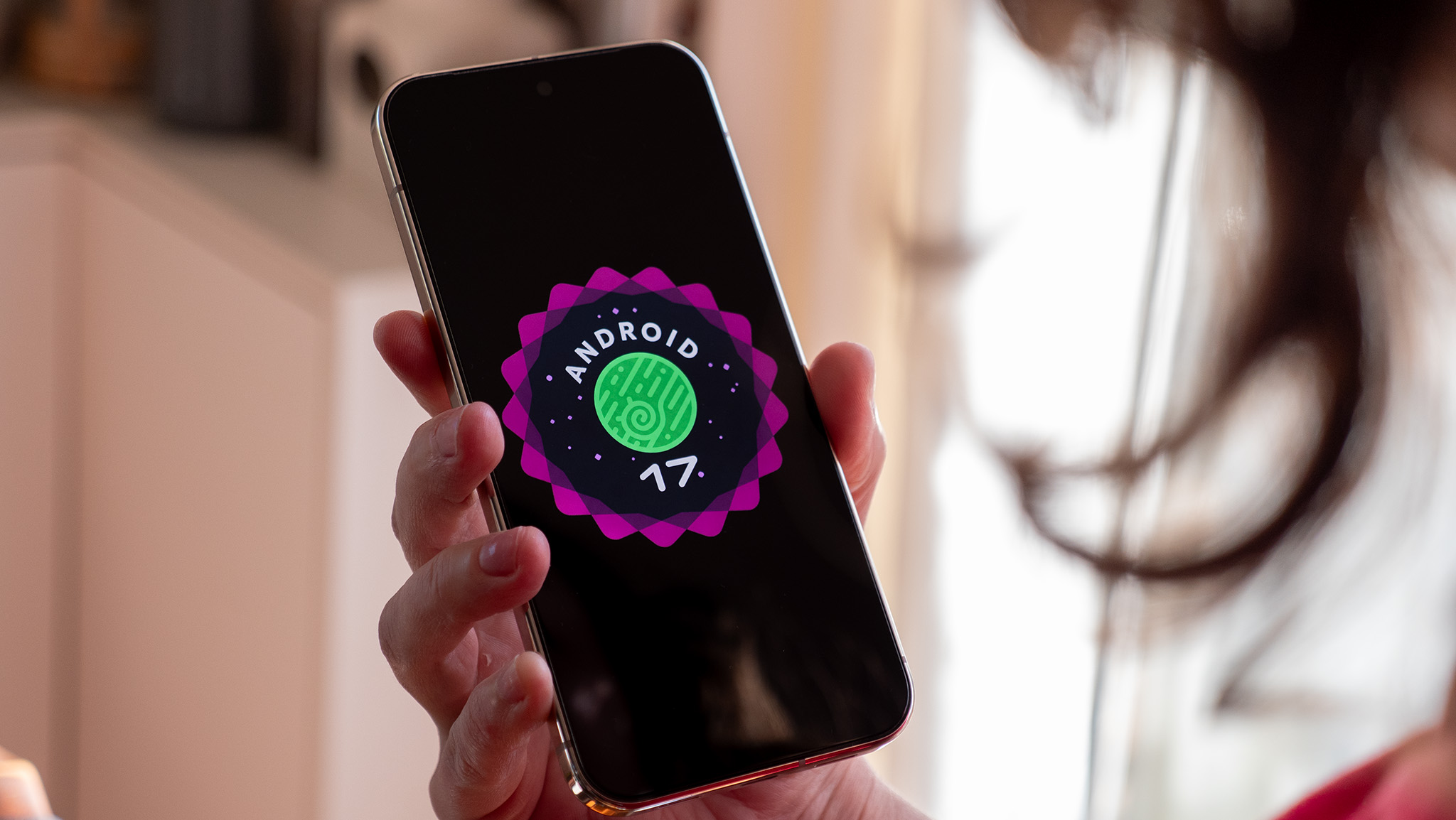

The newest Android Canary build has unveiled a range of exciting features that indicate notable enhancements in the usability and interface of the operating system. One of the most striking modifications is the possible reinstatement of distinct Wi-Fi and mobile data toggles. This change would enable users to control their internet connections with greater ease, returning to a straightforward one-step method that existed until Android 11, prior to the toggles being consolidated into a single Internet toggle.
Moreover, the Canary build hints at the addition of app bubbles, a feature that would allow users to launch apps in floating windows. This capability, akin to picture-in-picture mode, offers more flexible access to apps and could improve multitasking functionalities. Users can trigger app bubbles by long-pressing an app icon and opting for the bubble choice, which can then be repositioned on the screen or removed as necessary.
Another noteworthy improvement is the native App Lock function, permitting users to protect their apps with a PIN, pattern, password, or fingerprint. This capability would remove the reliance on third-party solutions, delivering a more cohesive and secure method to safeguard sensitive applications.
The build also features various UI adjustments, such as enhanced blur effects across the system, a revamped long press menu for app icons, and revised layouts for screen recording and permission dialogs. These modifications aim to boost the aesthetic appeal and efficiency of the Android interface.
It is crucial to remember that these features are presently in the testing stage and can be accessed via the Canary build, which necessitates manual installation using the Android Flash Tool. Users keen on trying out these updates should recognize that installing Canary builds might lead to data loss on their devices.