
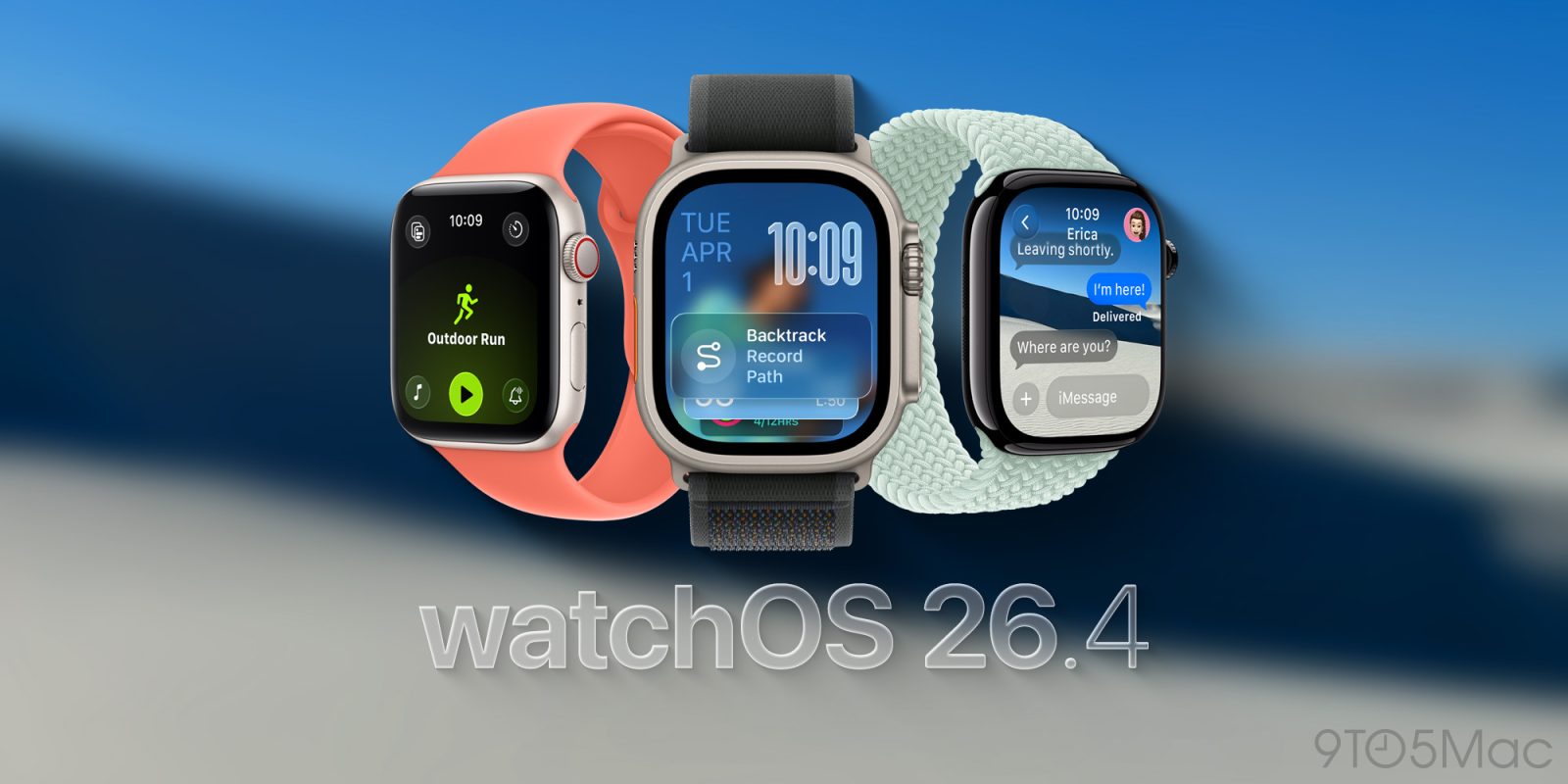

Apple revamped the Workout app in watchOS 26, but the new Apple Watch exercise tracking experience hasn’t been universally embraced. It appears Apple has been attentive, as watchOS 26.4 tackles a significant issue with the updated design.
## watchOS 26.4 enhances Workout app user experience
A prevalent dissatisfaction with the Workout app on watchOS 26 is its sluggishness and the need for increased interactions to commence a workout. The redesign marks a substantial shift after a decade of using the Apple Watch Workout app in a particular manner. The current design also feels somewhat less intuitive. The issue lies in what used to function like a tappable button in the former design now being merely a decorative element that disregards your tap.
However, with watchOS 26.4, Apple is modifying the existing design of the Workout app to meet user expectations. According to the release notes: **Workout type icon in the Workout app allows you to initiate a workout with one tap.** Voilà, that’s the solution people have been seeking. Now, the workout icon/label and the play button perform the same precise action: begin tracking your workout.
Tapping the icon from the list view still necessitates the full workout view to load. If you tap the workout icon quickly while the list is still visible, your tap will still be ignored. That’s another area where improvements can be made, but the watchOS 26.4 update represents a significant user experience enhancement from the behavior seen in watchOS 26.0 to 26.3.
## What went wrong and how Apple rectified it
Before watchOS 26.4, the Workout app displayed a scrollable list of workout type icons and labels. Naturally, users would expect that tapping the workout icon from the list would initiate the process. Instead, the complete workout layout had to load, and tapping the central workout type icon had no effect.
The design seemed more focused on preventing accidental workout starts. It may also encourage users to pause and examine the new layout while prompting them to tap the buttons in the four corners before beginning their workout. These are intended for adjusting Workout Views, Goals and Targets, Media, and Workout Buddy and Alerts. It wasn’t exactly tailored for speed or previously developed muscle memory.
Rather, a “Play” icon was the sole means of starting the workout. This already creates a confusing mix of metaphors since you’re logging a workout and not playing a session. Regardless, watchOS 26.4 resolves this tangled situation with the straightforward adjustment mentioned above.
Personally, I had become accustomed to the new behavior after transitioning from watchOS 26.0 to watchOS 26.3 since June. Still, I appreciate that Apple is responding to feedback and enhancing user experience. The new design still felt slower in the back of my mind. There was something about the placement of the bottom center play icon that made me want to scroll up, especially given that the center icon had no function.
Regardless, the aim should be to ensure a fantastic first run experience, rather than to adjust to a less intuitive system after repeated use. It’s encouraging to see this addressed in watchOS 26.4.
## Apple Watch update availability
watchOS 26.4 is currently available in beta as a release candidate. The final version is expected to be released next week.