

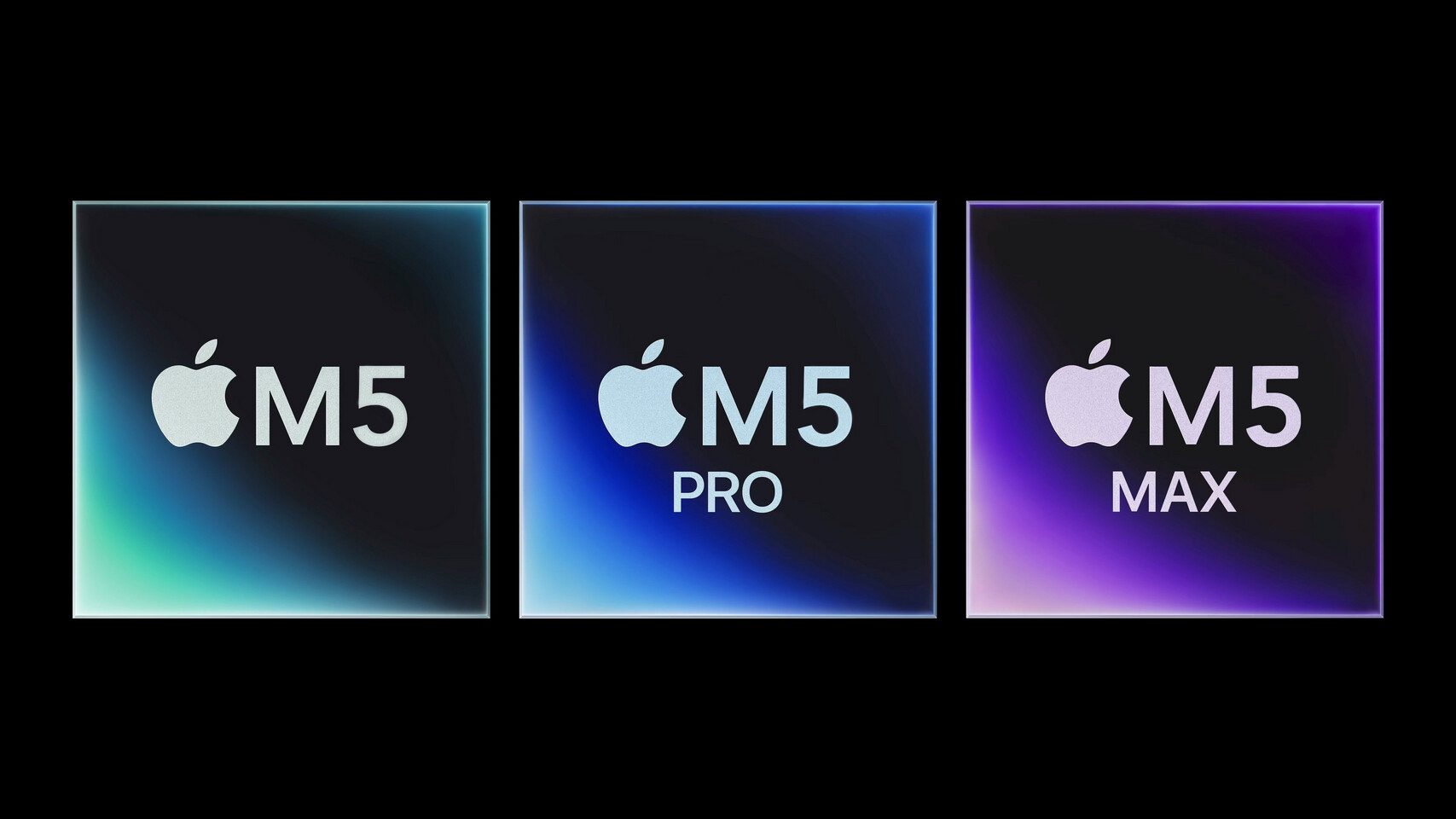
For this iteration of the MacBook Pro, performance is paramount. Everything else about the device mirrors last year’s model. However, the M5 series chips aren’t the primary highlight regarding performance. While they are remarkable and an upgrade over the M4 series, the true enhancement is attributed to Apple’s quicker SSDs.
The entry-level MacBook Pro comes with a standard M5 chip, which is likely more than adequate for most users, particularly those who mostly utilize web-based applications or productivity software. The series ranges up to the M5 Pro, and at the top tier, the M5 Max. Our test unit is armed with the M5 Max, featuring an 18-core CPU consisting of six efficiency cores and 12 performance cores, a choice between a 32-core or 40-core GPU, and a memory bandwidth of 614GB/s. This setup results in a laptop priced at $3,599 with a standard 2TB SSD.
This device is overkill for routine productivity tasks, yet it executes them seamlessly. For activities such as web applications and document editing, the M5 Max and even the MacBook Pro might be excessive, and a MacBook Air could represent a better option.
The M5 Max-equipped MacBook Pro is tailored for users who require substantial 3D rendering or graphics capabilities. Graphic artists, video producers, and creatives needing swift rendering will benefit from the M5 Max. The new SSDs, which offer up to double the read and write speeds of the M4 counterparts, facilitate quicker handling of large files. The M5 Max comes with three Thunderbolt 5 USB-C ports, differing from the Thunderbolt 4 ports found on the M5 Pro models.
The M5 Max MacBook Pro boasts impressive speed. In a test using the HandBrake video transcoder, it converted a large file in approximately 30 seconds, a process that would have taken even the most powerful laptops several minutes a few years prior.
For gamers, the laptop is highly competent, aside from issues with gaming compatibility on macOS. If your favorite games are accessible on macOS, the MacBook Pro handles them at high settings effortlessly while sustaining high frame rates. Although some premium Windows laptops with superior discrete GPUs may manage gaming workloads slightly better, Apple’s in-house GPUs perform exceptionally well.