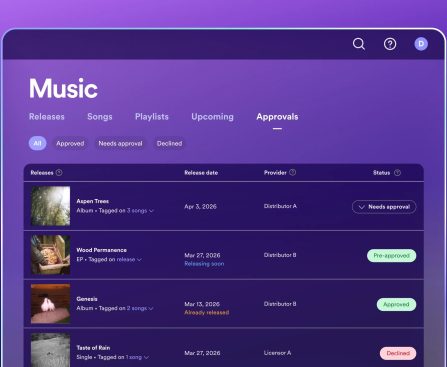
Spotify is beta-testing a new feature called Artist Profile Protection that lets artists review releases before they go live. Sometimes songs end up on the wrong artist pages because of metadata mixups or shared names. But increasingly, artists have been targeted by impostors and AI-generated fakes. Profile Protection offers a buffer against bad actors. Everyone […]
Meta to Lay Off Hundreds of Employees Amid AI Investment
Meta is laying off hundreds of employees across its company, according to reports from The New York Times, NBC News, and The Information. The job cuts impact workers on Meta’s recruiting, social media, and sales teams, along with Reality Labs, the division that develops the company’s smart glasses and virtual reality headsets. “Teams across Meta […]

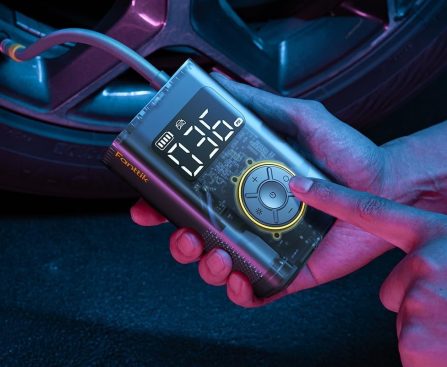
Fanttik X9 Pro Portable Tire Inflator Hits Lowest Price in Months
If youâve ever had to deal with a flat tire, you know how quickly it can derail your day. Thatâs why itâs worth considering a portable inflator like the Fanttik X9 Pro. The small, rechargeable air pump that can quickly inflate tires on cars and bikes is down to $59.98 ($20 off) at Amazon and […]
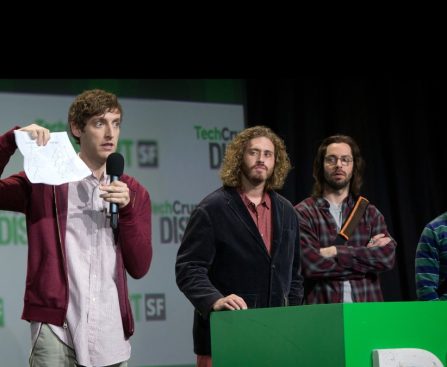
Google Unveils TurboQuant, a New AI Memory Compression Algorithm — and Yes, the Internet is Calling it ‘Pied Piper’
Googleâs TurboQuant has the internet joking about Pied Piper from HBO’s “Silicon Valley.” The compression algorithm promises to shrink AIâs âworking memoryâ by up to 6x, but itâs still just a lab experiment for now.
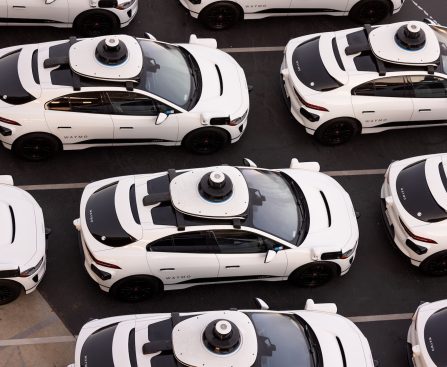
Who’s driving Waymo’s self-driving cars? Sometimes, the police.
First responders have had to take control of Waymo vehicles and move them during emergency situations, including in at least two active crime scenes, TechCrunch found.
Nintendo Reveals Higher Game Prices for Switch 2, Upsetting Collectors
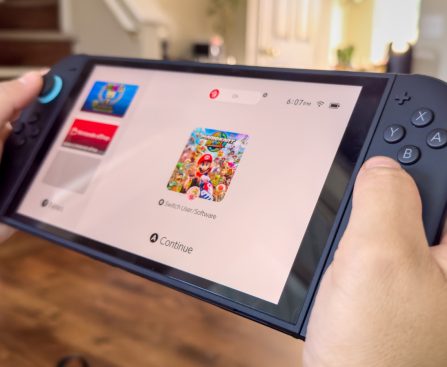
The Nintendo Switch 2 has ignited discussion since its release, primarily because of its game pricing approach. Although the console boasts improved performance and features such as Gameshare, the price of games has become a contentious issue, particularly for those who collect physical editions. Nintendo revealed a new pricing approach starting in May, wherein digital and physical game copies will have different prices. For example, “Yoshi and the Mysterious Book” is set to be $59.99 for the digital version and $69.99 for the physical one. This adjustment is claimed to reflect the manufacturing and distribution expenses linked to each format, even though retailers are free to establish their own prices.
This pricing strategy has received mixed feedback. Some players express dissatisfaction with the higher price of physical games, while others find the potential savings on digital versions appealing. This transition emphasizes the ongoing debate regarding the notion that digital games ought to be less expensive due to reduced production costs. Nonetheless, the future of Game-Key Cards, which serve as digital access rather than housing game data, remains unclear within this new pricing framework. As Nintendo progresses with this model, the gaming community is closely monitoring its effects on buying behaviors and the wider market.
Frequent Connectivity Problems Noted with Android Auto
If Your Android Auto Is Experiencing Connection Problems, You’re Not Alone
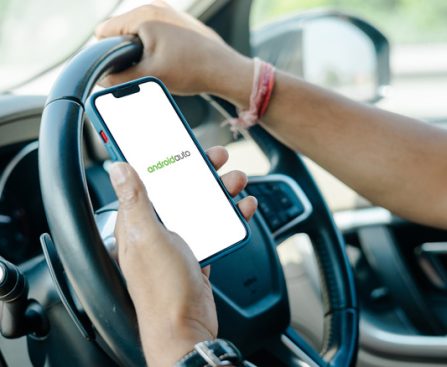
If you encounter 99 issues, I empathize with you, because Android Auto has likely added another headache. Numerous users report difficulties with Android Auto that hinder their connection to their vehicle’s infotainment system. Reports from Autoevolution and Reddit users highlight a problem significantly impacting Samsung Galaxy S26 devices, along with possibly others.
Similar issues have been noted on the Samsung Community boards, while other users have pointed out a concern on Pixel devices, suggesting it may stem from a recent update instead of a specific model. Some users indicate that reverting to an earlier version of Android Auto has restored their connections. Ultimately, affected models are facing issues like unstable connections, frequent disconnections, or challenges in syncing devices, occurring through both wired and wireless connections.
One hypothesis is that the Advanced Protection security feature in Android 16, present on the mentioned devices, may be causing the disruptions. If you encounter this issue, there are currently no guaranteed solutions. However, you can attempt restarting your device, ensuring all system and app updates are completed, verifying you’re using the proper USB cable for Android Auto, and clearing the Android Auto app data.
Fortunately, Google is actively working on a resolution. In a communication to Android Authority, the company confirmed that its engineers are aware of the issue and that “fixes are beginning to roll out,” so be sure to monitor for updates to your Android Auto app. This closely resembles a prior Android Auto bug that hindered voice commands. Many users had to find alternative methods to navigate that issue as well.
What solutions have proven effective while we await an update?
As noted, Google has indicated that a fix will be forthcoming. In the meantime, standard troubleshooting steps may be beneficial, such as restarting your device, clearing app caches, and ensuring all apps are up to date. Across various forums and discussion platforms, some users have shared their successful strategies, making it worthwhile to highlight them here if you’re in search of a solution.
One user notes resolving the connection problems by disconnecting all Bluetooth devices in their vehicle settings and performing a factory reset on their car’s dashboard unit. Take caution, as this would erase all previously recognized phones, necessitating a fresh start. Another user mentioned deleting Samsung SmartThings, after which Android Auto began working again. Similarly, disabling Wi-Fi and Bluetooth connections in SmartThings has been beneficial for some users as well.
The downside is that most fixes discovered thus far pertain to Samsung Galaxy phones, as opposed to Google Pixel or other devices facing similar challenges. Regrettably, it appears that the majority of users will need to wait for Google or Samsung to release an update to rectify the issue. Meanwhile, if you’re unable to resolve the problems, there are some alternative solutions for Android Auto that may be worth exploring.
The Fall of Screensavers: Grasping the Reasons Modern Computers No Longer Need Them
slightly radioactive. More crucially, if a static image was displayed on the screen for prolonged durations, it could lead to the image being etched into the glass, hence the term “burn-in.” Screensavers were created to combat this issue by running videos when the computer remained idle for too long.
Nonetheless, many contemporary screens utilize liquid-crystal display (LCD) technology, where liquid crystals twist based on the flow of electricity. This advancement not only offers a richer array of colors but is also thinner and resistant to burn-in. Therefore, screensavers are not needed to protect LCD screens. Although screensavers still exist, they are merely a reminder of their past prominence. In the ’90s, bizarre and colorful screensavers thrived, featuring flying toasters and 3D mazes. Today, however, it’s rare for a computer to come with a screensaver that merely showcases CGI streamers transitioning between random colors.
Some modern screens still need screensavers
The advent of the LCD screen signified the downturn of the screensaver, yet entertainment technology continued to advance. While numerous modern televisions and displays utilize LCDs, organic light-emitting diodes (OLEDs) have also gained popularity. But as the saying goes: One step forward, two steps back.
OLED screens deliver brilliant images due to thin layers of organic compounds that emit light upon electrical stimulation. Though they don’t achieve the brightness of LCD models, they provide exceptional contrast, a high dynamic range, and wide viewing angles. A number of the finest 4K monitors (including those meant for work and gaming secondary displays) employ OLED technology. However, these diodes make OLED screens susceptible to burn-in issues. This should not be mistaken for dead or stuck pixels, which arise from hardware and software failures. Those static light dots can be easily remedied with some technical expertise (or a technician), but screen burn-in is irreversible.
While some may contend that computer manufacturers retained screensavers in operating systems out of tradition even when they are unnecessary with LCD displays, technology has come full circle and now necessitates screensavers again—if you own an OLED, that is. Indeed, if you possess an OLED TV with Amazon Fire and step away for a moment, you may be annoyed to return to full-screen ads, yet at least those somewhat intrusive commercials assist in maintaining your TV’s display integrity.
You can tie screensavers to functionality

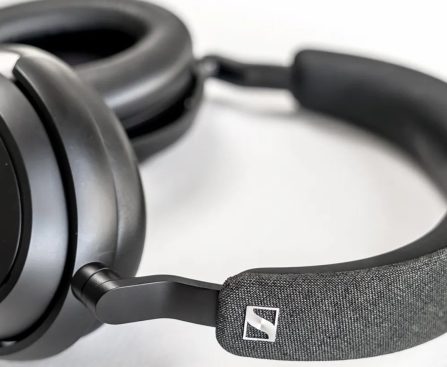
Sennheiser Headphones Offered at 56% Off During Amazon’s Major Spring Sale
There’s no chance these marked-down headphones will last until March 31st.
Jury Finds Meta and YouTube Liable for Negligence in Lawsuit Related to Addictive Social Media
The tale is likely not finished yet.