
Dmytro Varavin/Getty Images
We may earn a commission on purchases made through links.
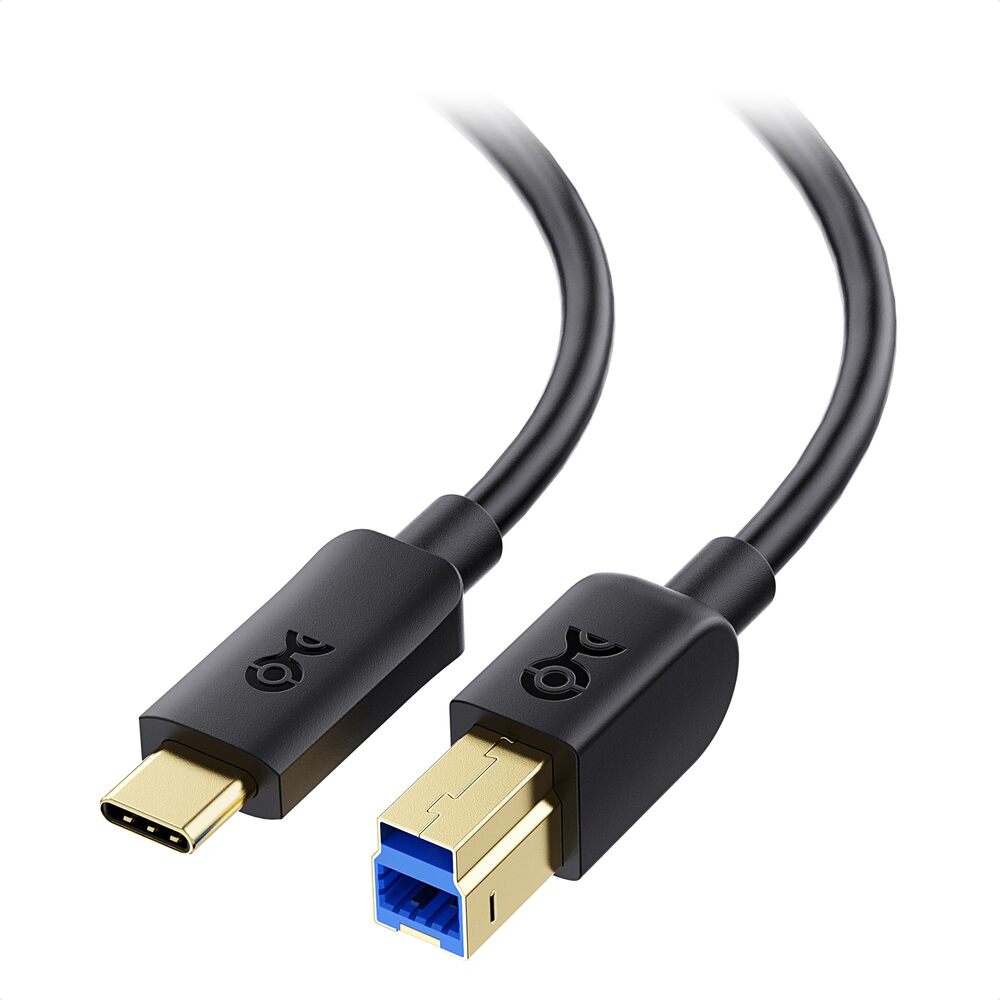
USB ports are present in nearly every electronic gadget, spanning PC desktops, laptops, smartphones, and tablets. Nevertheless, distinguishing the various ports by their appearance can be quite confusing. It’s difficult to fault someone for not recognizing the differences between USB 2.0 and USB 3.2 ports, as they maintain the same shape and size, with the only differing visual characteristic being the color. However, they exhibit a significant disparity in performance, as newer, quicker ports offer accelerated data transfer speeds; hence, it is advisable to utilize the appropriate port whenever feasible. Devices connected to the computer through the slower USB ports may demonstrate restricted functionality.
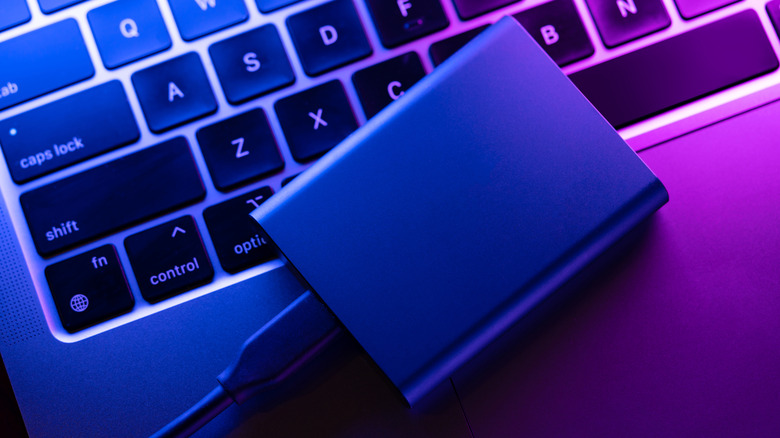
With a limited number of USB ports available on your computer, it’s essential to ensure that you’re utilizing the correct one for each device. External drives and other devices demanding high transfer speeds require access to the fastest USB port possible. Conversely, for devices such as computer mice, a basic USB 2.0 port is sufficient, allowing faster ports to be reserved for critical devices.