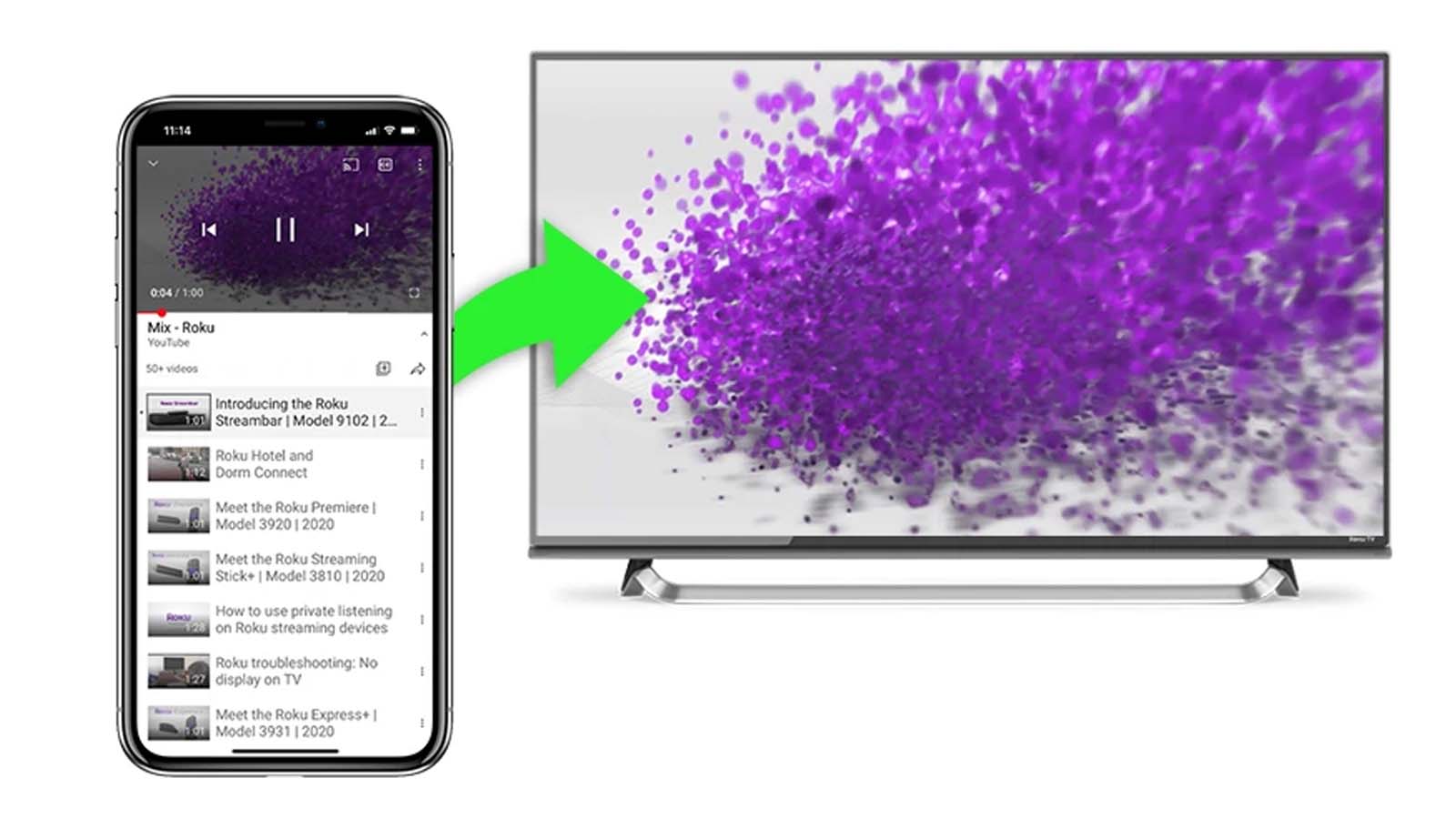
standalone streaming devices, enabling you to duplicate your smartphone display onto your home’s largest screen.
Mirroring your mobile device to your television can be useful in many scenarios. Instead of gathering around your phone’s small display, you and your companions can easily view your vacation pictures together. Gaming also becomes significantly enhanced with a bigger and clearer display. If you have apps exclusive to your phone, mirroring allows you to see them on a screen that is not your phone.
But how do you actually project your smartphone screen to your Roku TV? It’s surprisingly straightforward, and it’s one of the top Roku TV tips you should be aware of to optimize your entertainment experience. Here’s how to accomplish it.
Roku TVs let you share your Android phone screen with the TV in two methods: mirroring or casting. Mirroring shows your entire screen, while casting displays only the content you choose to share. Neither method requires specific Roku TV applications. Follow these steps to project your Android onto your Roku TV:
