a budget soundbar priced under $200. Nonetheless, it’s frequently advised to connect a soundbar through the TV’s ARC or eARC port, which is part of the High-Definition Multimedia Interface (HDMI) found on the majority of contemporary televisions.
Utilizing an ARC or eARC port offers numerous advantages, including compatibility with high-resolution audio and surround sound formats. But what if your television lacks an ARC or eARC port, or if you intend to connect your soundbar to another device, like your computer? You can still utilize it without the HDMI ARC port, and here’s how you can accomplish that.
It’s typical for soundbars to come with several input options to cater to various devices and requirements. For instance, the majority of soundbars include an optical input port, often referred to as Toslink or S/PDIF, which generally serves as your second-best option after HDMI ARC or eARC connections. It’s nearly as straightforward to use, requiring only an optical cable. However, the optical connection does not offer as many features as ARC or its more advanced version, eARC. Similar to HDMI, it transmits a digital signal and supports both stereo and 5.1 surround sound formats such as Dolby Digital, yet it cannot transmit uncompressed surround sound or spatial audio formats like Dolby Atmos and DTS:X.
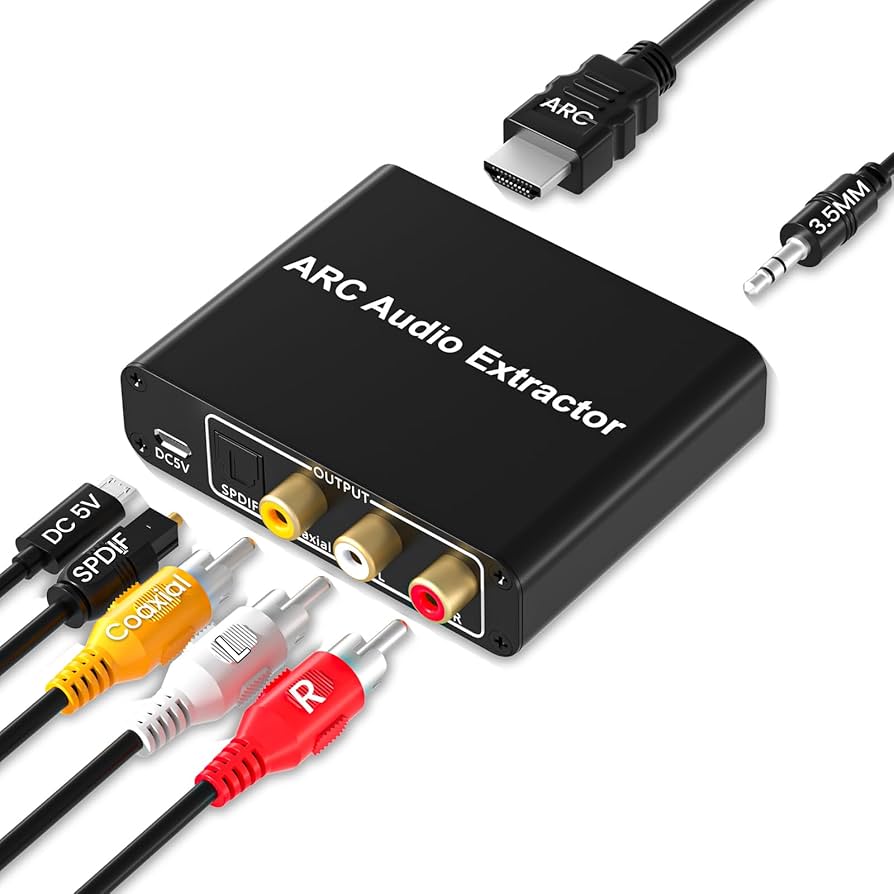
In addition to the optical audio port, you might find a 3.5mm auxiliary port, red and white RCA plugs, or an RCA-style digital coax.
