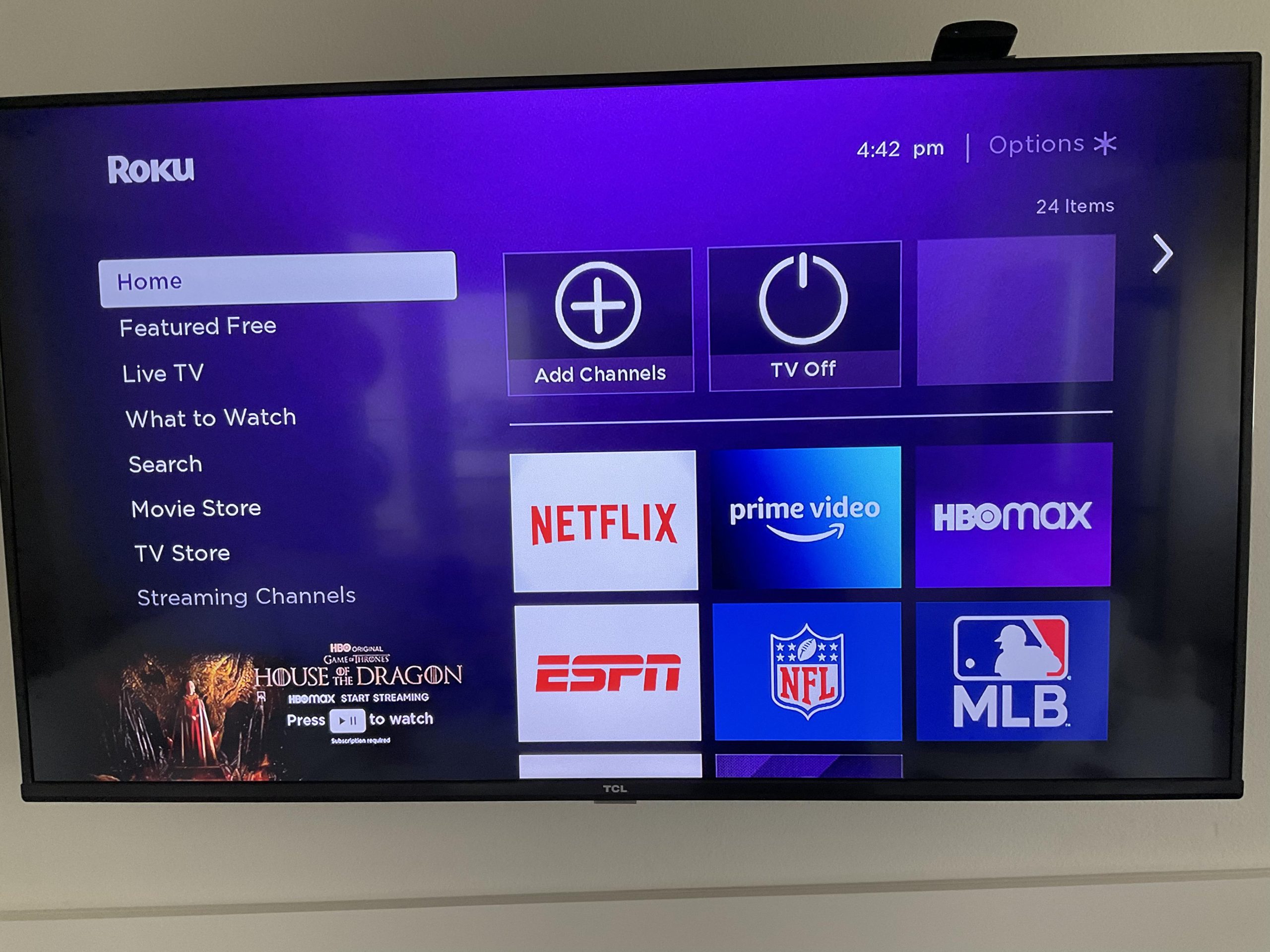
which is a universal port, HDMI — or High-Definition Multimedia Interface — serves as a link for video and audio that accommodates a diverse range of entertainment devices, including media players, soundbars, and home theater systems. However, there are various HDMI formats that can significantly impact usability.
Roku can connect with any HDMI port, indeed, but depending on the specific model you possess, particularly a 4K version, you may require a particular type of port with the correct functionality, such as HDCP 2.2, which is a content protection standard. It’s accurate that TVs typically come with multiple HDMI ports, yet not all provide the same superior quality functionality. The current standard, HDMI 2.0, for instance, enables 4K resolutions at 60Hz with HDR and Audio Return Channel (ARC) audio. However, not every HDMI 2.0 port guarantees ARC compatibility.
Another version, HDMI 2.1, facilitates 4K resolutions at 120Hz or 8K at 60Hz – both offering substantial upgrades in visual experiences — with support for variable refresh rates, Auto Low Latency Mode, and enhanced ARC (eARC). If you neglect to consider which input you are utilizing, or merely connect the device to the first available port, you might end up plugging your Roku into the incorrect one. How can you identify the correct port? Fortunately, many of those ports are labeled, making it just a matter of being attentive. But initially, it’s crucial to grasp the distinctions between those HDMI ports.
