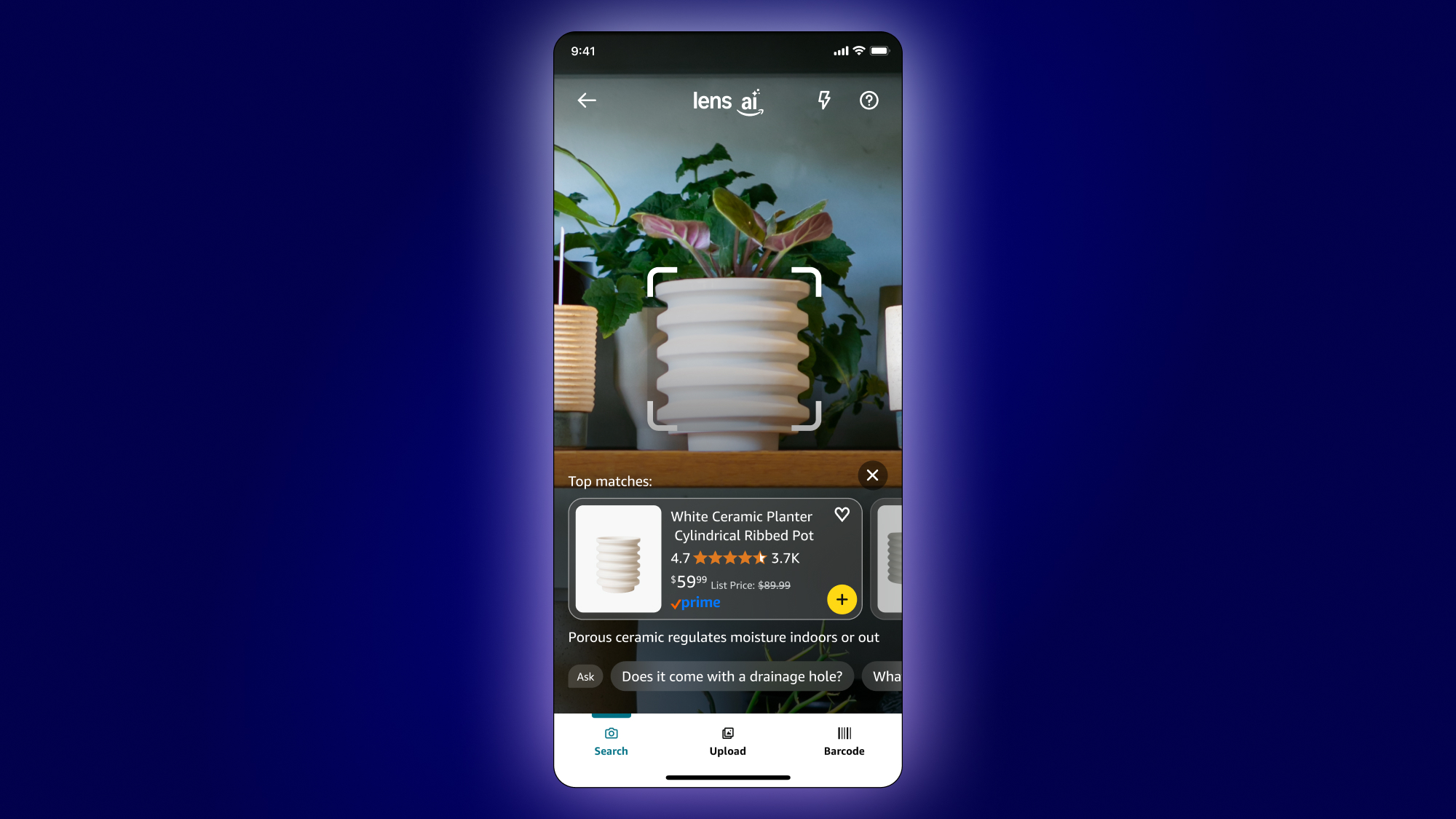
list of products and services that Google has discontinued over the years. It’s not merely for basic “what is this thing” inquiries, however. It’s an all-in-one visual platform that taps into Google’s extensive knowledge repository of everything. After you go through this, you may want to set Google Lens as your primary app.
If you haven’t used Google Lens previously, there are several methods to access it. Android users have a specific Lens app, while iPhone users must first go through the standard Google app; simply click the small camera icon in the search field. From the Google Photos app on both platforms, you can search within a photo by tapping the three dots icon in the upper right corner and choosing the “Google Lens” option. You can always reach it from the Google homepage in your browser — just drag an image in or utilize the camera icon — but if you’re using Chrome, it becomes even simpler. Right-click on any page and select the option to “Search with Google Lens,” then click and drag around whatever on the page you’d like to look up. Before long, you’ll also be able to utilize Google Lens in your AI-enhanced smart glasses.
