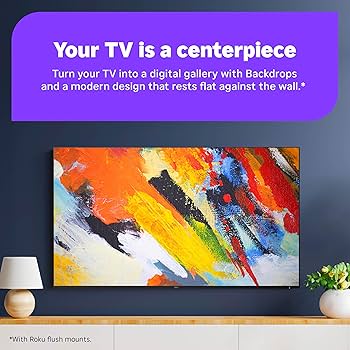
Roku streaming devices and smart televisions provide a broad range of features and personalization options, including a capability known as Roku Backdrops, which converts your TV into an art showcase. This function enables users to display fine art and personal images on their screens. The Backdrops application is complimentary and can be located in the Streaming Store. To enable it, go to Settings > Home Screen Menu > Backdrops > Open Backdrops app. Users have the option to present entire art collections or individual images, with settings available for adjusting image duration.
Formerly referred to as Roku Photo Streams, the Backdrops app also permits users to upload their own images. This is achievable by opening the app, selecting Add your photos > Upload photos, and following the prompts after scanning a QR code. Users can create up to 10 albums containing 100 photos each, accommodating formats such as JPG, PNG, HEIC, and WEBP. Furthermore, users can link their Roku account to Google Photos for additional options.
For individuals deliberating between a Roku Streaming Stick or a Roku-enabled smart TV, employing Backdrops with a Roku TV provides the convenience of managing the app using the remote’s power button, facilitating easy start and stop features.
