

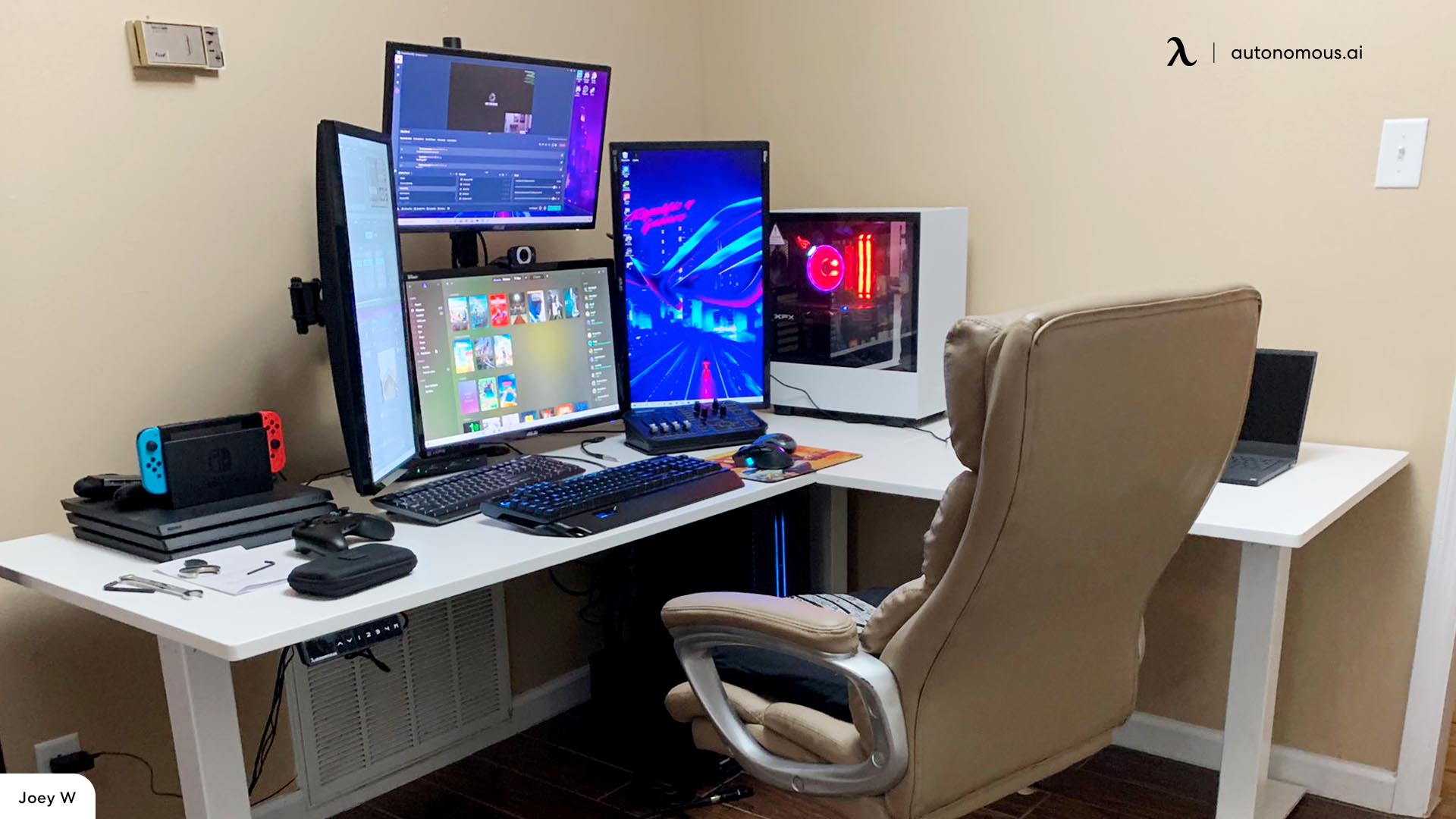
affordable computer displays. However, that’s not always the experience you receive. What happens if you connect your new display and the colors appear distorted, the text looks unclear, and the motion seems sluggish? Some users believe this is simply the nature of monitors, concluding that their only option is to invest in a higher-quality one. Yet, the real issue often lies within the settings.
Contemporary operating systems and displays come equipped with numerous options, features, and configurations. Navigating these can be challenging, particularly for those unfamiliar with HDR settings, aggressive response-time adjustments, color calibration, scaling settings, or frame syncing. Each feature is intended to address a unique problem, and while it might seem wise to keep them “on” constantly, they can actually detract from your monitor’s performance. Even worse, these settings can make your monitor seem merely unsatisfactory rather than actually faulty.
The silver lining is that no setting is fixed, and you can easily enable or disable them as necessary. A few minor tweaks in the settings can elevate your subpar monitor into a sharp and responsive display that you truly appreciate.