
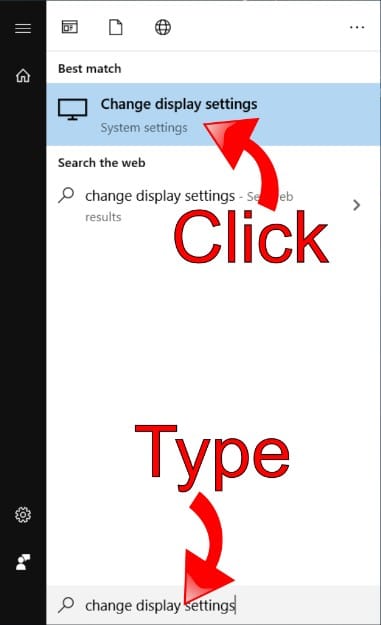
tips and techniques for enhancing TV picture quality, along with disabling subsampling, can yield significant improvements. To achieve this, you must manually activate chroma 4:4:4 support in your TV’s display settings. Search for an option labeled “HDMI UHD Color” and enable it for the HDMI port connected to your PC. Additionally, ensure that you are utilizing the “PC” picture preset.
How to Correct a Blurry TV by Adjusting One HDMI Setting

1 Min Read