

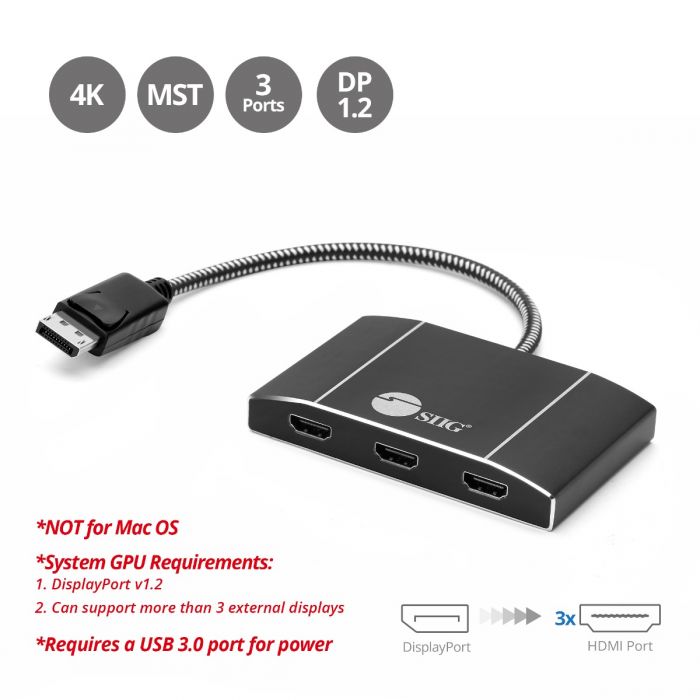
a wireless HDMI connection if you’d prefer to avoid messy, tangled cables throughout your entertainment setup. Additionally, you can establish an HDMI switch, essentially a bridge, to effortlessly alternate between various devices all linked to a single port. Another useful device is an HDMI splitter, which conveniently allows you to divide the signal from one connection to multiple displays.
A splitter duplicates content from the single incoming port to several displays. This enables you to perform tasks such as transmitting the same media stream to different rooms, showcasing identical content on multiple screens during a conference or meeting — ensuring everyone can view it — or broadcasting to several screens for educational, marketing, and other purposes.
Utilizing an HDMI splitter is quite straightforward; you simply connect the device or stream you wish to output to the single incoming HDMI port on the splitter, and the external ports lead to the additional displays. However, there are a few things you should likely be aware of before you begin connecting everything.