
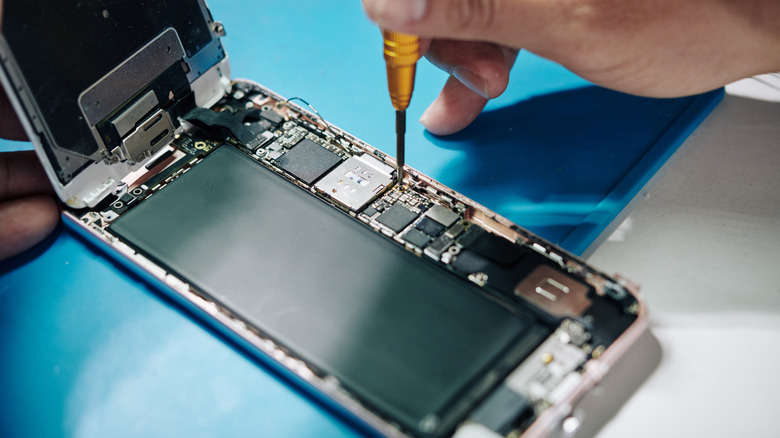

obvious indicators it’s time for a phone upgrade, yet your finances may not allow for it just now. That’s when visiting a repair shop becomes necessary. The unsettling aspect of this is, whether it’s functioning or not, you’re entrusting your device and all its contents to someone unknown. Your address, payment info, banking details, private photos, messages — it’s all there, vulnerable to access.
Android devices possess a distinct function to assist in this situation known as — you guessed it — repair mode. This dedicated mode secures your phone by creating a sandboxed, separate fresh profile. This ensures your personal data remains concealed even if someone attempts to investigate. It still permits technicians or repair experts to operate the phone as necessary.
You require a device running Android 14 or newer, but setting it up is straightforward. Samsung refers to its version of repair mode as maintenance mode, but the concept remains the same. On most Android devices, navigate to Settings > System > Repair Mode and select “Enter Repair Mode.” You’ll need to input your security PIN or password. For Samsung devices, access Settings > Battery and Device Care > Maintenance Mode. If the display is damaged, you can connect an external screen and/or mouse via USB-C and follow the same procedure.