
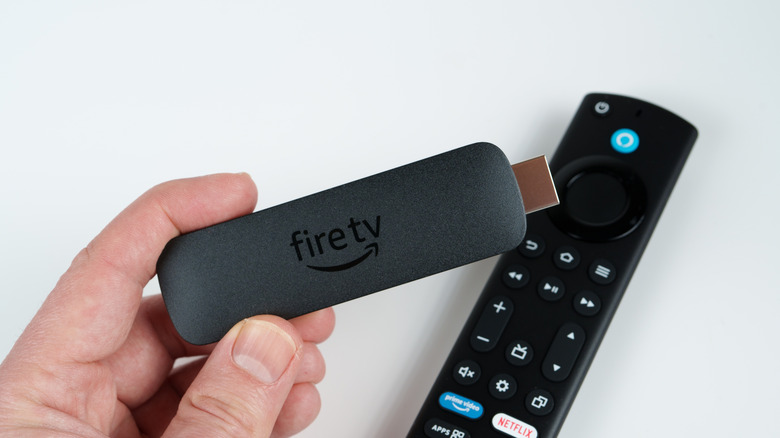
How to Resolve the 5 Most Frequent Issues with Amazon Fire TV Stick

How to Resolve the 5 Most Frequent Issues with Amazon Fire TV Stick

2 Min Read

things to consider before purchasing a Fire TV Stick, including the typical problems encountered by Fire TV Stick users.

We explored online discussions to identify the most frequently reported issues and errors among Amazon Fire TV Stick users and subsequently tested solutions to address them. These encompass common error alerts, their meanings, and methods to eliminate them, along with related challenges such as limited storage that users commonly face. We also uncovered some typical missteps that individuals make which result in difficulties. Thankfully, although there are numerous prevalent concerns that Amazon Fire TV users encounter, resolving these problems is relatively simple.

1. Storage issues

The Fire TV Stick is fantastic most of the time, until you encounter the frustrating Low on Storage error message. This may not pose a significant issue for those using a Fire TV Stick 4K Max, which boasts 16GB of storage, but for users with older versions, such as the Fire TV Stick Lite or the Fire TV Stick 4K, only 8GB is available.

The simplest way to resolve storage problems on your Amazon Fire TV Stick is to expand its storage with an external flash drive, which can be done by acquiring a micro-USB to USB OTG adapter, like one from AuviPal. Connect the adapter to the power port, attach the power cable to the other end, and insert a compatible flash drive into the available OTG slot. You can then power on your Fire TV and navigate to My Fire TV to verify if the external storage is recognized. From there, you can format it as external storage and transfer any apps to it via Manage Applications in Applications, selecting the desired apps to relocate. This method is an excellent workaround and is what we suggest for most users.

You might also like