
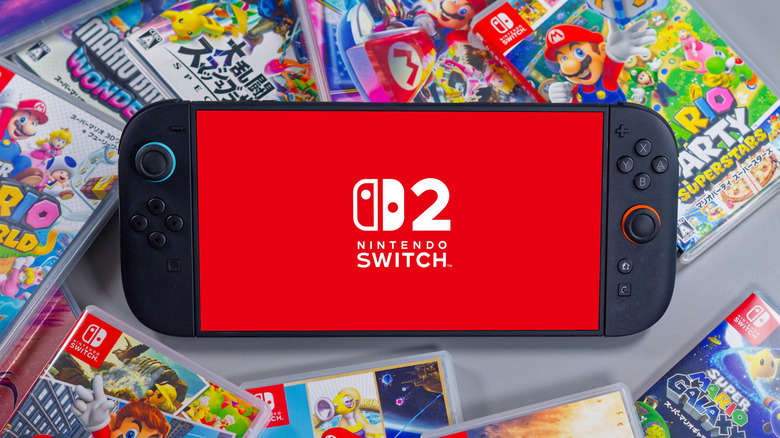

Switch 2 represents a significant advancement from its earlier model, equipped with significantly enhanced hardware and improvements to the display, which now accommodates a refresh rate of up to 120Hz. Nonetheless, these enhancements are accompanied by drawbacks regarding battery life during handheld use.
The Nintendo Switch 2 has also seen an increase in battery capacity, featuring a 5,220 mAh variant, surpassing the 4,310 mAh capacity found in the Switch 1. However, when in use, it ultimately provides reduced screen time overall due to the high-performance hardware and resource-intensive games. Consequently, titles such as “Cyberpunk 2077” deplete the battery more rapidly.
If you find yourself away from a power source, you might need to pause your gaming sessions unexpectedly due to low battery life. The positive aspect is that there are habits you can adopt to extend battery longevity, enabling longer play sessions and enhancing your handheld experience.