
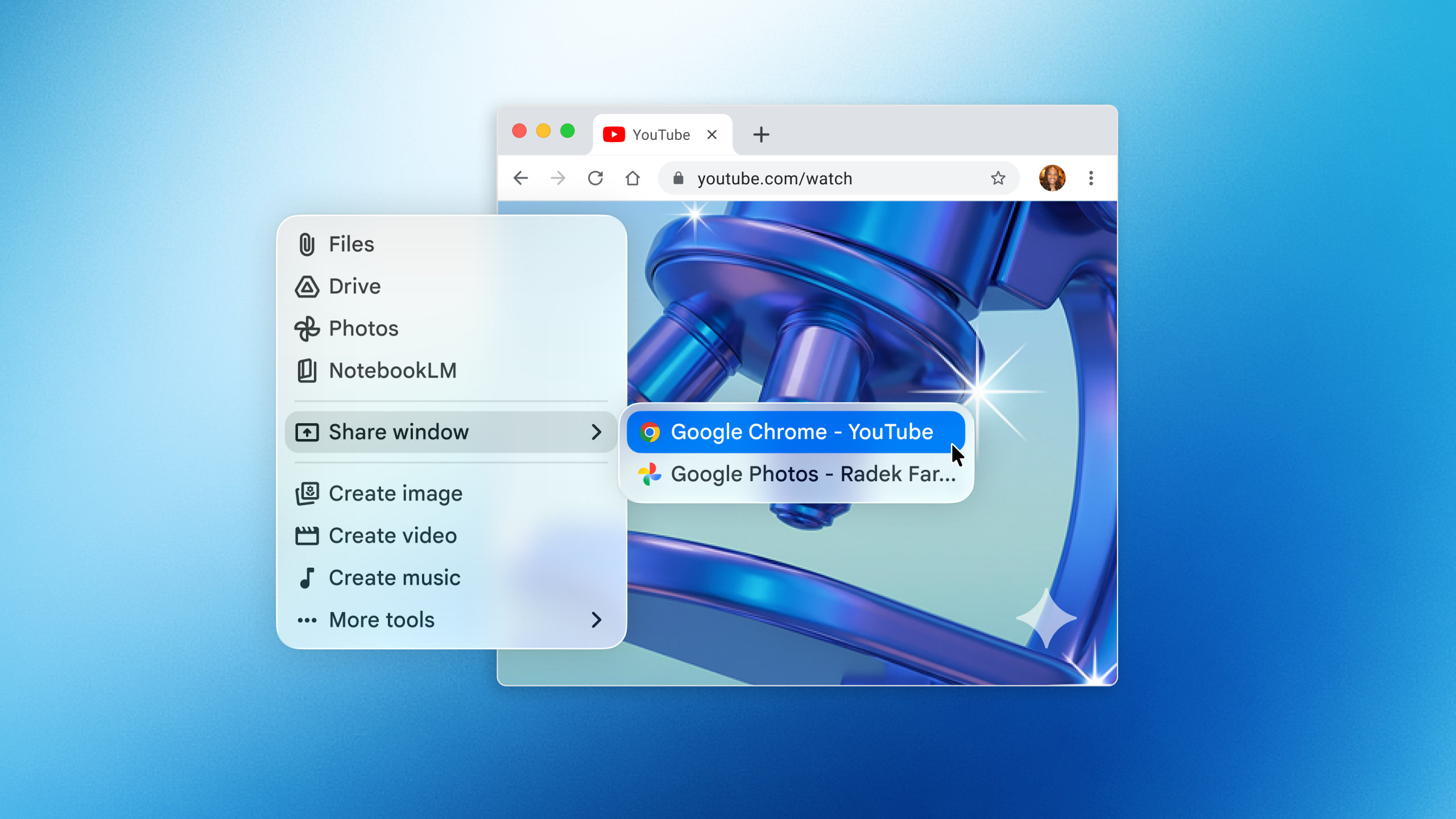

Gemini is now accessible from anywhere on your desktop, allowing you to share windows. Google has launched a new Gemini app for Mac, enabling interaction with the AI assistant without switching desktop windows. By using the Option + Space shortcut, you can open a floating chat to ask Gemini questions and share your window. You’ll need to permit access to your system’s information before sharing. Once granted, Gemini provides answers by analyzing the content on your screen.
Resembling Apple’s upgraded Spotlight, which allows device actions and access to AI models like ChatGPT, this new app positions Google against Anthropic, OpenAI, and Perplexity, each aiming to establish their chatbots as primary AI models on desktops. However, ChatGPT and Anthropic’s Claude go beyond by offering features that enable their AIs to perform tasks on your computer.
Similar to its web and mobile versions, the Mac app allows file, photo, and document uploads from Google Drive and uses Gemini for generating images, videos, or music. You can also revisit previous conversations linked to your Google account. The launch closely follows Google’s release of its Spotlight-like app for Windows.
The Gemini app is available for free download in all supported languages and countries, compatible with macOS Sequoia (15.0) and above.