
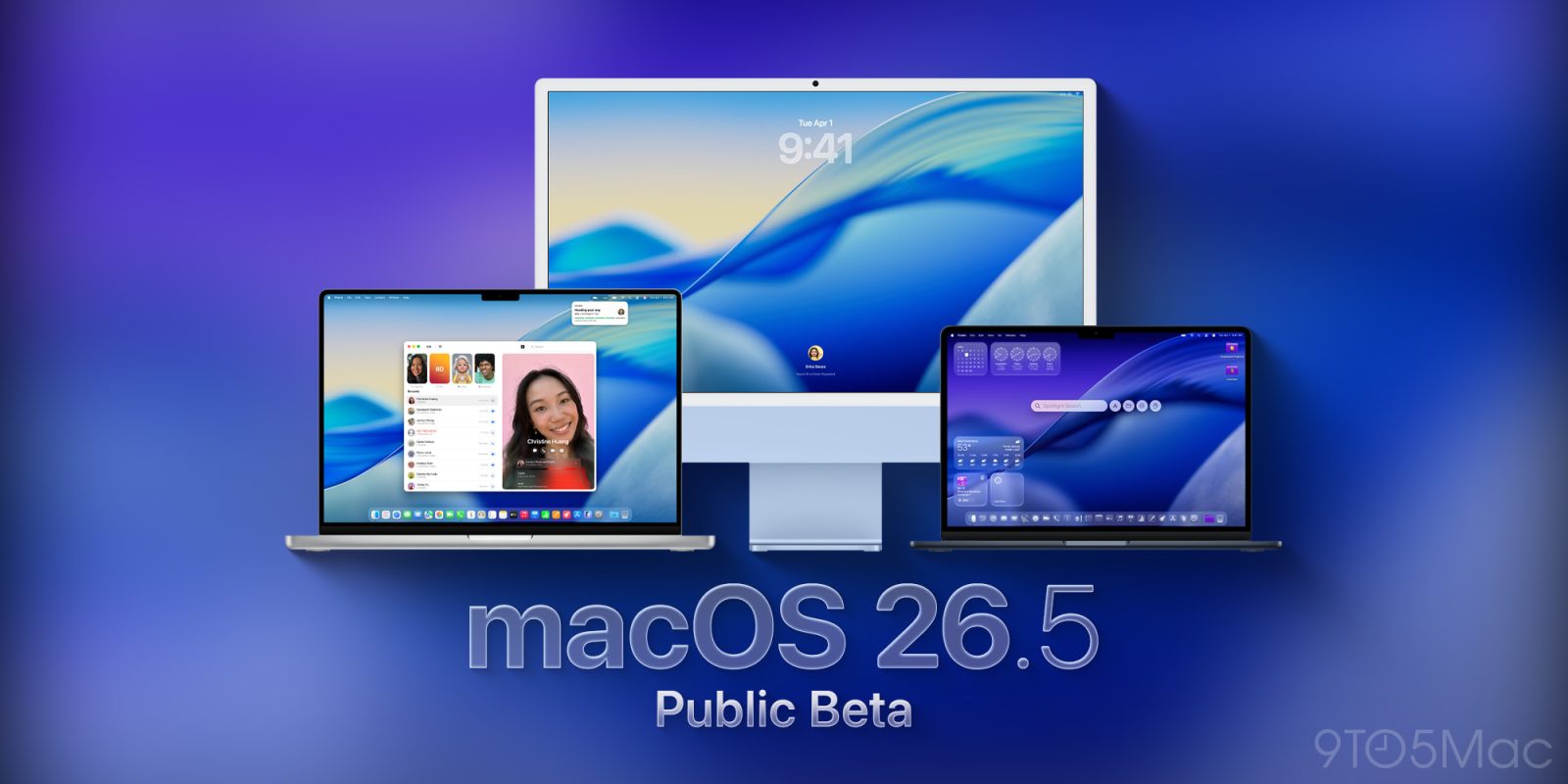

**macOS 26.5 Public Beta 2: What to Anticipate**
After skipping the second public beta for macOS 26.5 last week, Apple has started rolling out macOS 26.5 public beta 2. This release follows closely behind the launch of macOS 26.5 beta 3 for developers. Here’s what users can look forward to with this new update.
### No New Features Yet
Apple’s latest launch of macOS 26.5 beta 3 has not brought any new features, consistent with the first two beta iterations. This contrasts with macOS 26.4, which included significant additions such as the Charge Limit and a streamlined tab view in Safari. Instead, Apple seems to be prioritizing stability and performance enhancements in preparation for the forthcoming macOS 27, anticipated to be announced at WWDC in under two months.
For individuals enrolled in the public beta program, macOS 26.5 beta 2 is available for download, sharing the same build version (25F5058e) as the newly released developer beta 3.
### How to Install macOS Tahoe 26.5 Public Beta 3
To install the public beta, users must first sign up for Apple’s public beta program at [beta.apple.com](https://beta.apple.com/). After enrollment, follow these instructions:
1. Open System Settings.
2. Go to General ⇾ Software Update.
3. Click the ‘i’ icon beside Beta Updates.
4. From the dropdown menu in the upper-right corner, select the macOS Tahoe 26 Public Beta.
5. Click ‘Done’.
Users are encouraged to provide feedback on any changes they observe in the beta version in the comments section.
### Conclusion
While macOS 26.5 public beta 2 may not offer new features, it is a crucial step in fine-tuning the operating system ahead of the much-anticipated macOS 27. Users keen on exploring the latest updates can effortlessly join the public beta program and adhere to the installation guidelines outlined.