

I frequently use dictation apps like Wispr Flow, Willow, or Typeless for replying to messages and emails on my Mac and phone. However, I often rely on my phone’s mic or AirPods to dictate, and they don’t always accurately capture my speech.
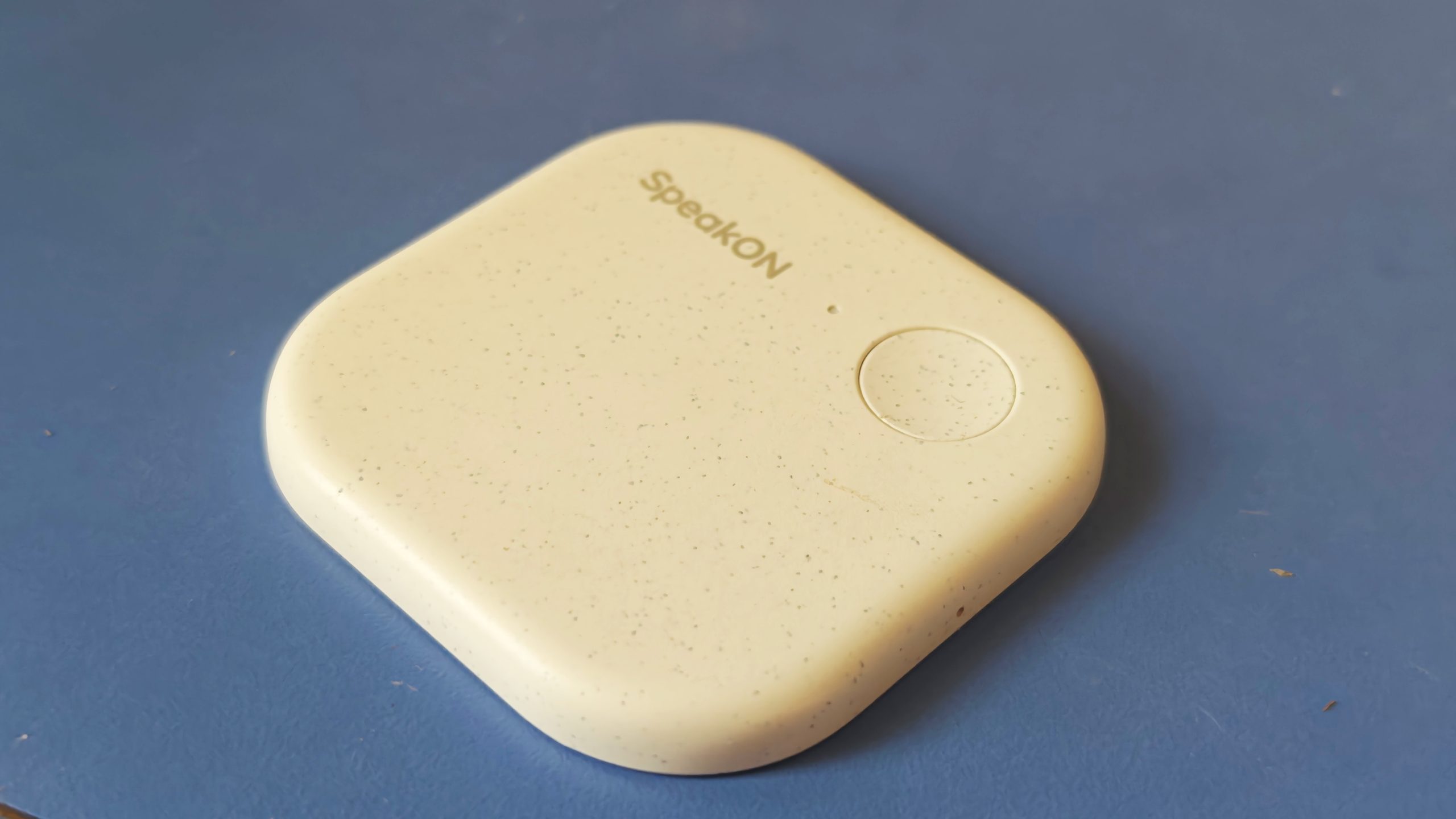
When Notta-owned SpeakOn offered me the chance to try a dedicated dictation device, I was intrigued. Unfortunately, my experience was mixed due to its design and platform limitations.
Nevertheless, I see potential for such dictation devices in the future.
SpeakOn is a small, pebble-like gadget that attaches to the back of your iPhone via MagSafe, similar to Plaud’s AI meeting notetaker. Weighing just 25 grams, it’s very lightweight and unobtrusive, even if carried separately in a pocket.
The device pairs with an iOS companion app that functions like a keyboard, which can be used independently of the device if necessary.
To begin dictating, you press the device’s button and release it once finished. It has one microphone that captures audio within a two-foot range. Dictation works in any app with the software keyboard active, automatically filtering speech and formatting text as required.
A notable feature is the device’s reliance on its own mic, avoiding the need to keep the iPhone mic active, unlike other dictation apps.
However, I found the SpeakOn’s audio capture disappointing, as it requires close proximity and struggles with background noise. Better mics in the next version would be appreciated.
I also wish a double-tap of the record button could activate the SpeakOn keyboard when using a text keyboard or allow speaking without switching keyboards, though these are likely system-level challenges.
The app’s AI editing and tone can be modified manually, but I found the automatic edits often unnecessary. For example, “Does this app work automatically?” was changed to “Does this application operate automatically?” and “Sure, no worries” to “There is no need to be concerned.” I disabled the “attune” feature for better results.
I would have used SpeakOn more if it were compatible with Mac, allowing dictation in any app.
In addition to transcription, users can translate speech into supported languages like English, Japanese, Korean, Simplified Chinese, Traditional Chinese, Spanish, French, German, Italian, Portuguese, Russian, and Arabic.
SpeakOn claims a 10-hour usage time and 20-day standby, but I found standby lasted only a few days. To conserve battery, I recommend setting it to power off after inactivity.
The device charges from 0 to 100% in an hour, or can quickly gain enough charge for several minutes of dictation.
Priced at $129 with a 5,000 words per week plan, it surpasses apps like Wispr Flow’s 2,000 weekly words on a free plan. There’s also a $12 monthly plan for unlimited words.
SpeakOn gains an advantage by launching a dictation device early. However, it must improve platform support and software experience to fend off competitors who could develop similar technology in a different form factor.
Note: Purchases made through article links might earn us a small commission, without affecting editorial independence.