
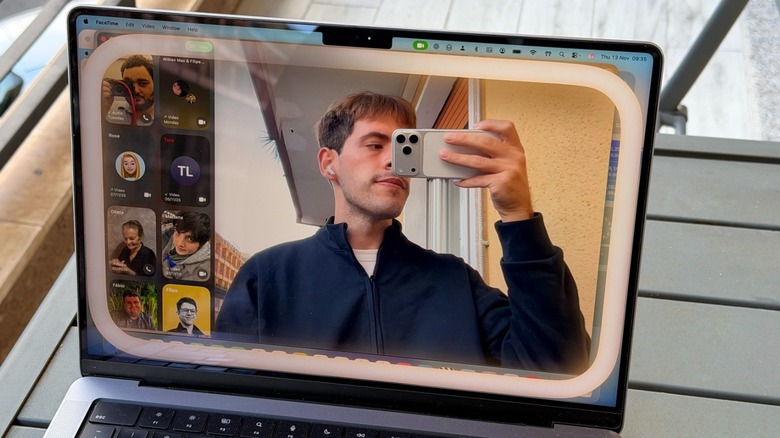

One of the most popular third-party privacy accessories for MacBook users is camera covers. Although Apple maintains stringent privacy standards and robust security measures against hacking, some individuals choose to physically obstruct their webcams to ensure unauthorized access is deterred. This choice might stem from working in environments where information confidentiality is crucial or a desire to eliminate any risk of being recorded. Nonetheless, if you have a privacy cover on your MacBook’s webcam, it’s essential never to close the display while the cover is on, as this could lead to screen damage.
In a support document, Apple states: “Closing your Mac laptop with an installed camera cover may result in display damage due to the extremely tight tolerances between the display and keyboard.” Moreover, consistently using a physical accessory on your camera may obstruct essential display functionalities. Recent MacBook Pro and MacBook Air models include ambient light sensors that automatically regulate brightness and even adjust display color with True Tone technology. While these features are not available on the latest MacBook Neo, it’s still advisable to avoid covering your MacBook camera when closing the lid with the accessory in place.
Apple devices come equipped with camera and microphone indicators.
If you own an iPhone, iPad, or Mac, Apple notifies you whenever an app utilizes your camera or microphone. Historically, Mac computers had a physical green light indicating camera activation. However, with the introduction of macOS Monterey in late 2021, the company transitioned to a digital version of this indicator when either the camera or microphone is in use. The camera light remains green, while the microphone light now appears in orange. Users can review a log of when apps accessed their camera or microphone in the Control Center on their Mac.
The iPhone saw a similar development. In iOS 14, Apple first implemented these light indicators, and then with iOS 15 in 2021, the Control Center history was made available for the iPhone. Subsequently, Apple intensified its marketing of privacy as a fundamental aspect of its products, especially amid rising public awareness regarding tracking, app surveillance, and privacy issues. It was around this time that the company began to impose stricter limitations on app tracking and user profiling while enhancing user control over what data they wish to share with third-party applications.
If you genuinely require a webcam cover, keep the following in mind.
If your work environment legitimately necessitates covering your MacBook’s camera, Apple offers several guidelines to ensure that such an accessory does not damage your Mac display. According to the company, a camera cover should not exceed the thickness of a standard piece of printer paper, specifically 0.1 mm. Apple also recommends avoiding camera covers that leave sticky residue. If your camera cover exceeds the thickness of printer paper, Apple’s suggestion is to remove it prior to closing your MacBook Air or MacBook Pro.
Apple reminds Mac users that they hold full control over which applications can access their camera and microphone, as access is disabled by default. Starting with macOS Mojave, users must grant permission to an app before it can utilize the camera on the Mac. By navigating to System Settings, users can access Privacy & Security in the sidebar, then click the Camera toggle to view the list of apps that have requested camera access and decide whether to continue granting permission.
For instance, in Safari, you can access the browser’s settings, select Websites, and choose Camera to review which websites have requested access to that feature, allowing you to continue granting or revoking camera access as needed. Consequently, if you don’t require the additional security of a camera cover, you maintain control over which apps and websites can utilize your camera and microphone.