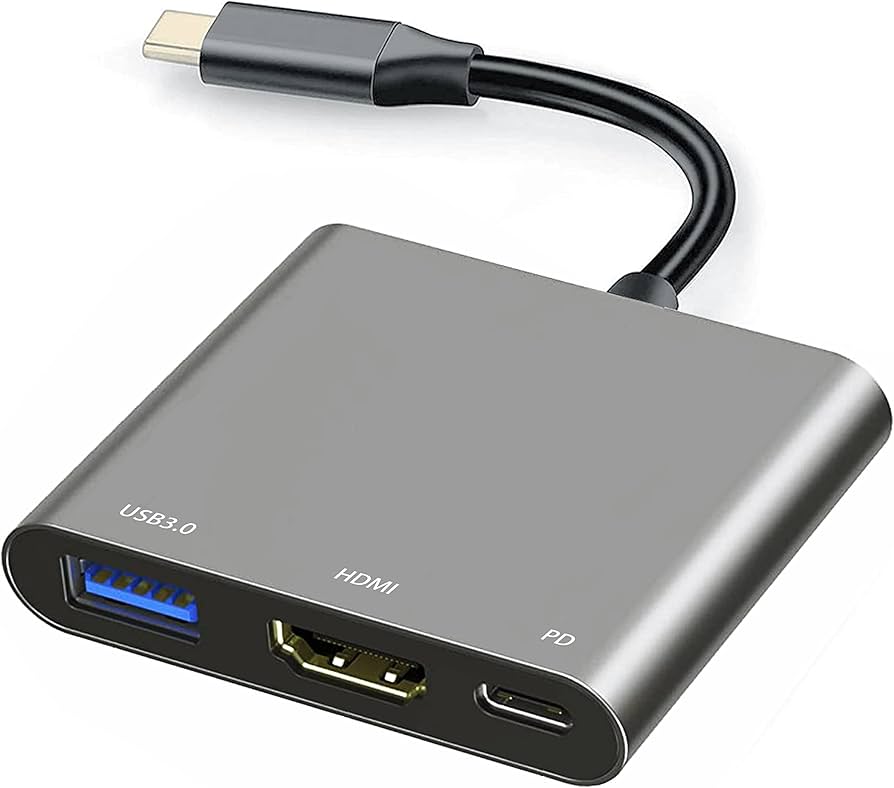
the HDMI interface, which provides widespread compatibility and transmits both audio and video signals. Add to that eARC and ARC port functionalities along with practical single-port configurations, and it’s clear why it’s favored. On the computer connection front, there are additional choices like DisplayPort, the antiquated VGA plug, and even USB-C.
Regarding PC connections, which is the optimal choice for your monitor? The truthful response is likely USB-C, but the existing device environment complicates matters. Numerous PCs and docks continue to use HDMI as the main display connection, and the majority of contemporary monitors support this through HDMI inputs as the primary means. Nevertheless, there has been a rise in USB-C and Thunderbolt displays that could provide more benefits, provided you have a compatible device that meets your requirements.
