
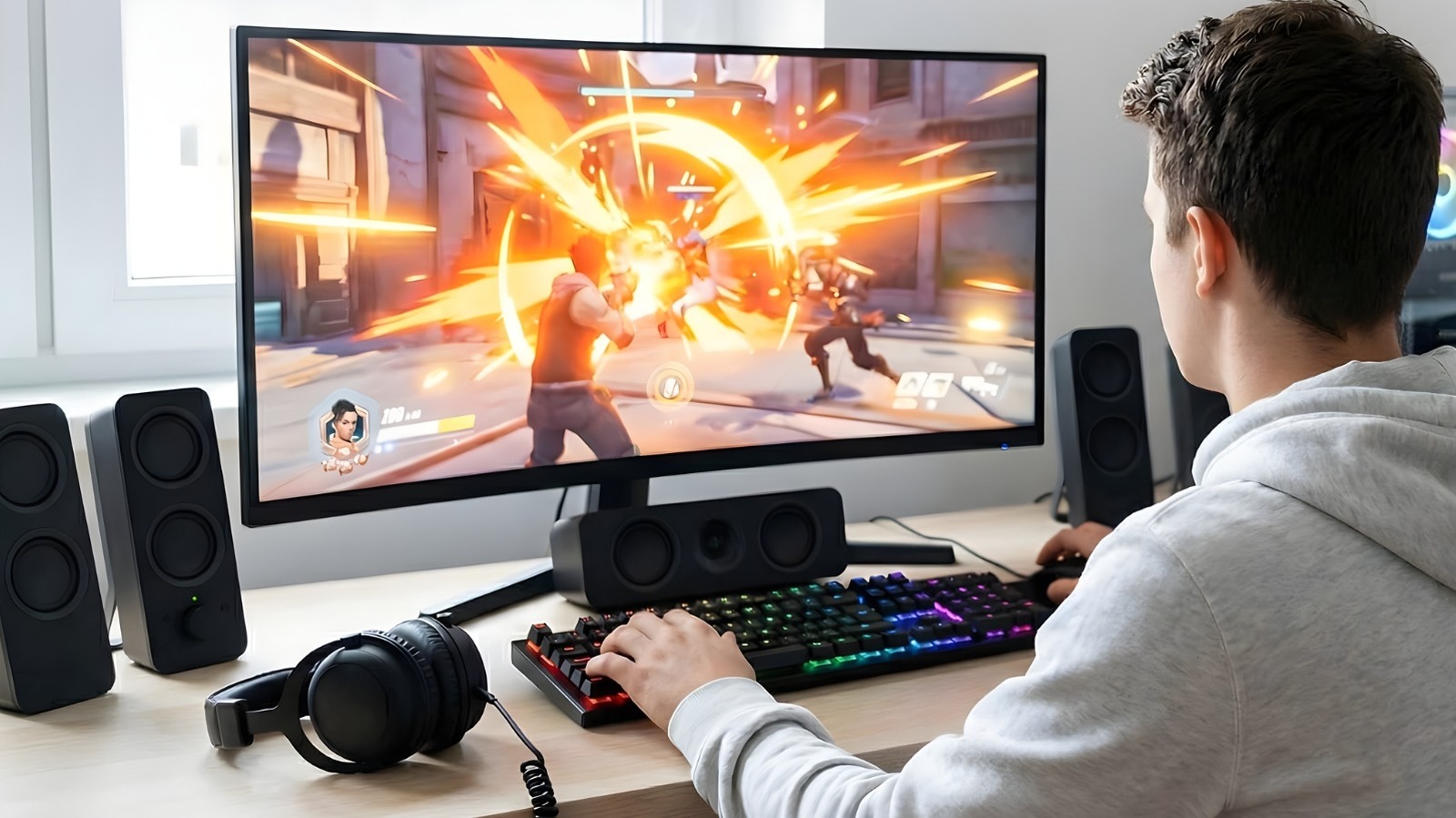

Upgrading a PC, whether for gaming or other uses, can be challenging when it comes to managing expenses. The current landscape of memory, GPUs, and storage is heavily pressured on the consumer side, primarily due to AI data centers contributing to a global chip deficit. At this time, it’s more beneficial to upgrade existing parts instead of committing to a completely new build, as the inflation driven by the growing AI sector is unlikely to diminish shortly, making it wise to endure the situation. Affordable solutions are out there for problems like thermal throttling, inadequate audio quality, and declining frame rates in recent games, so there’s no need to worry about spending four figures just yet. Each PC upgrade listed here costs less than $100 and addresses specific bottlenecks or aesthetic enhancements suitable for a restricted budget.
There are upgrades for PCs that yield noticeable improvements in performance and appearance, devoid of marketing exaggeration or exorbitant costs. By transferring frame generation to a secondary legacy GPU or using liquid cooling along with thick 38 mm radiators for enhanced CPU thermal regulation, these options enable users to avoid cloud subscriptions and “gaming tax” associated with premium components. By investing in a quality sound card or high-capacity external drives featuring 256-bit hardware encryption, users can obtain the enhancements they seek by thinking creatively.
Upgrade to liquid CPU cooling
Elevated temperatures are a primary factor in reduced performance, with standard air coolers and thin liquid radiators insufficient for controlling the rapid temperature spikes produced by modern CPUs. Investing in a solid liquid CPU cooler with appropriate specifications can unlock higher clock speeds and ensure overall stable performance. The ARCTIC Liquid Freezer III Pro 240 A-RGB retails for approximately $83 and is equipped with an extra-thick 38 mm premium radiator, which accommodates a larger fluid volume compared to other AIOs with a 27 mm thick radiator. The additional thickness enables the system to dissipate heat more effectively during demanding gaming sessions or intensive video rendering, preventing the CPU from experiencing thermal throttling.
The design of this cooler is robust for its price range, featuring an integrated VRM fan situated directly on the pump block. This compact fan delivers active cooling to the power delivery components surrounding the CPU socket, which are often left without cooling by conventional water blocks. It includes the appropriate mounting hardware for Intel LGA1851 and LGA1700 and is also compatible with AM4 and AM5 AMD Ryzen processors right out of the box. Installation is straightforward thanks to the two P12 Pro fans being pre-wired; just apply the included MX-6 thermal paste in a cross pattern and set it up.
Install a dedicated sound card
Motherboard manufacturers often advertise “high-quality” audio, which suffices for most users. However, for those who depend on output power for professional-grade headphones, wish to eliminate any electrical noise, or want to connect a surround sound system or studio monitors, onboard audio chips fall short. A sound card like the Creative Sound Blaster Audigy Fx Pro is a cost-effective solution to these problems, offering a dedicated, shielded audio pathway for $79.99. It can deliver high-resolution 32-bit / 384 kHz playback and boasts a 120 dB signal-to-noise ratio, ensuring users enjoy clearer audio with considerably less background hiss compared to typical onboard options.
Looking to connect a separate 7.1-channel analog speaker system? This sound card supports that with its SPDIF output and dedicated line-in sources, making it ideal for a home theater PC, gaming setup, and professional work. For headphone users, the Creative Nexus app features an AutoEq function, enabling users to mimic the frequency responses of various premium headphones. In simple terms, this guarantees audio is perfectly balanced for the equipment being utilized. Additionally, it’s a low-profile, half-height bracket sound card, making it suitable for everything from compact builds to large gaming rigs without hassle.
Offload frame generation to a budget GPU
With a program available on Steam called Lossless Scaling ($7.99), it’s now feasible to relieve the primary GPU of frame generation tasks and assign them to a more affordable secondary GPU instead. Use an old GPU that may be lying around or purchase a low-cost option like a GeForce GT 740 4GB for $59.99, or an Intel Arc A380 Challenger 6GB for $139.99 for the additional VRAM and DisplayPort 2.0.
To set this up, first install the secondary GPU into the bottom PCIe slot on the motherboard and connect the monitor to the HDMI or DisplayPort. After installation, obtain the necessary drivers for the secondary card, then search for Settings, navigate to System > Display > Graphics in Windows, click “Options,” and select “