
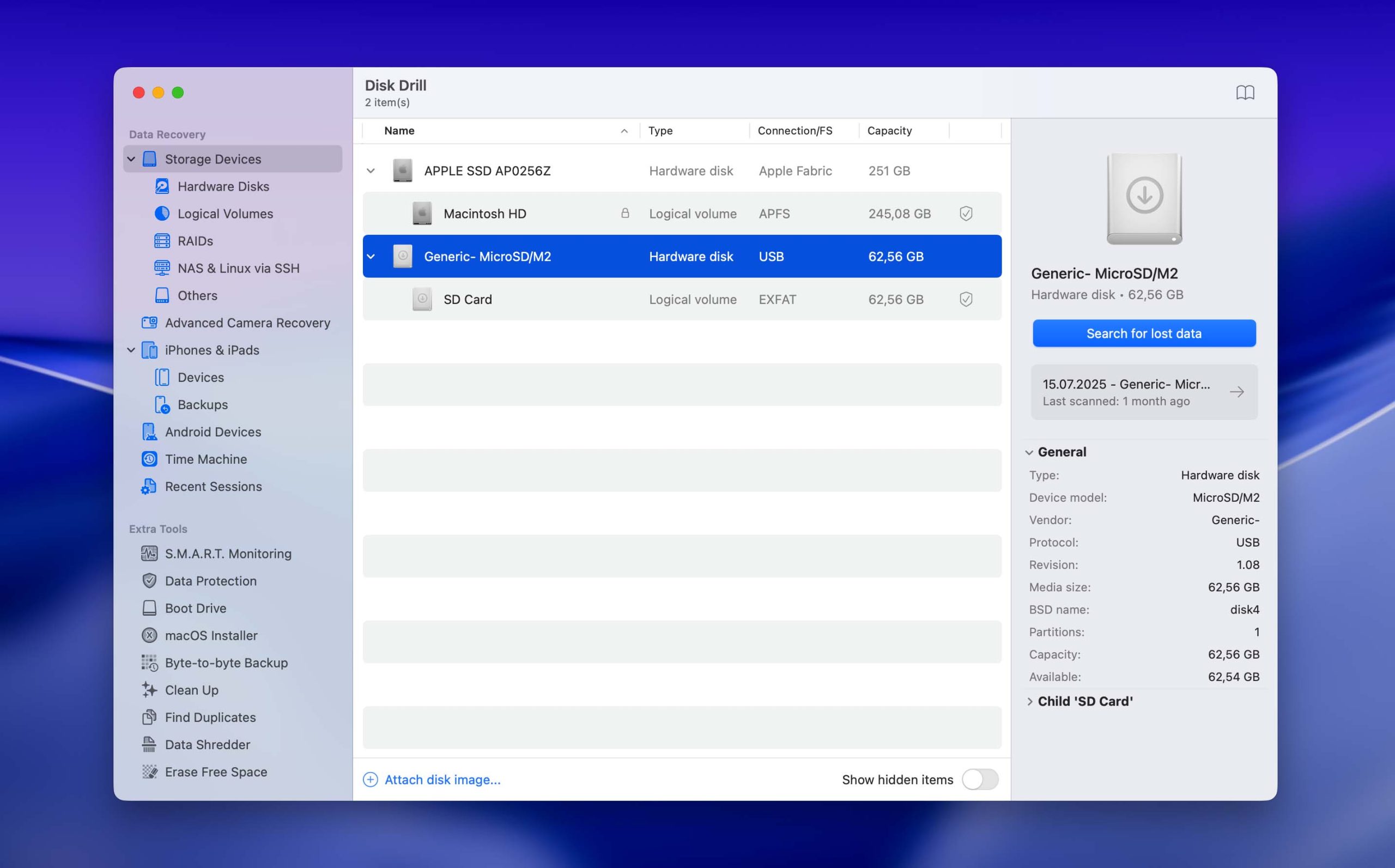

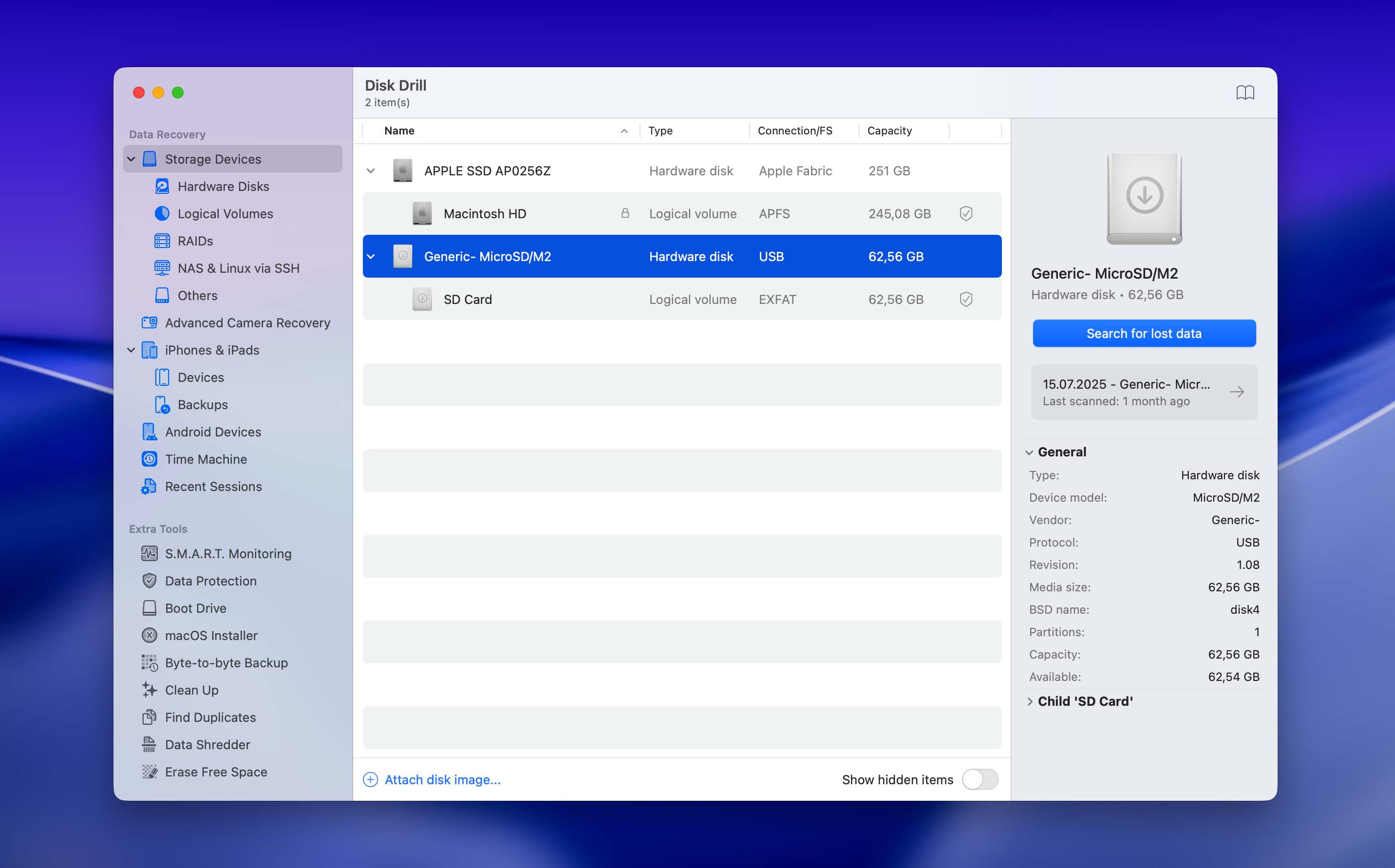
SD cards that you can utilize again. Naturally, as these cards age, they become slower in comparison to newer models, such as the much quicker microSD Express cards utilized in the Nintendo Switch 2. However, instead of letting your old cards gather dust, there is a very refined solution for your unused tech: Generate bootable drives from your old SD cards.
You can install a fully portable operating system onto your extra SD card and run it by inserting the card into any computer equipped with an SD reader. It’s really that straightforward, providing an effortless way to explore various Linux distributions or quickly access a different Windows setup for troubleshooting, testing, and diagnostics. In this manner, you can carry a personal system with you without the burden of a laptop. Whether you need to restore Windows from a blue screen error or just wish to try out the latest Fedora Linux version, your spare SD cards can be more useful than many might think.