

Fia Nuralifia/Shutterstock
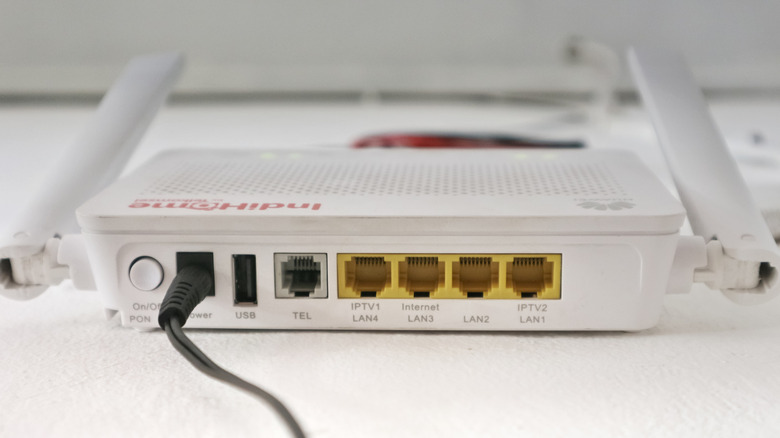
Most contemporary routers are equipped with one (or several) integrated USB ports. These are frequently ignored, given that devices like smartphones, laptops, televisions, and tablets connect wirelessly to the router. Many users typically have just a power adapter and LAN cable plugged in, and this configuration commonly operates without issues. However, with those extra USB ports, you can enhance your router’s capabilities beyond the usual Wi-Fi setup to include functions like wireless backups, wireless printing, file sharing, and more.
It’s important to note that not every router is capable of all these features. Some are restricted to basic storage sharing and device charging, while others can perform more sophisticated functions. You can easily confirm this by referring to your router’s manual or checking the router’s admin interface. If it offers options such as USB Storage, Media Server, or Print Server, your router is equipped for these capabilities, and that unused USB port can be put to a variety of innovative uses.
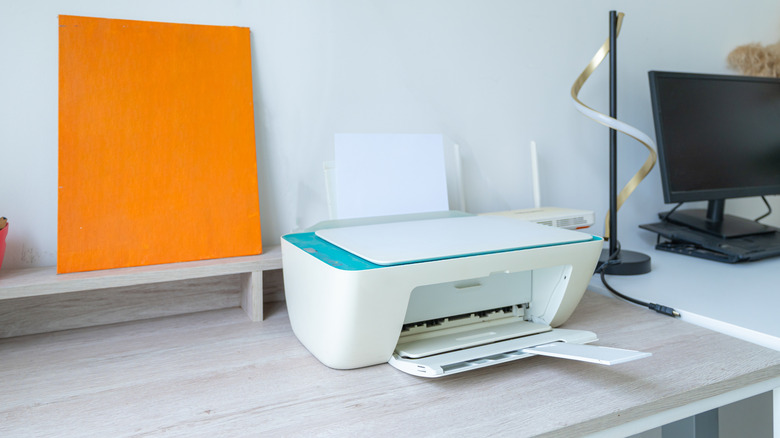
Print wirelessly with legacy printers
Fia Nuralifia/Shutterstock