TCL TVs are quite affordable due to their in-house manufacturing and large-scale production, yet they are still recognized for delivering satisfactory performance for everyday use.
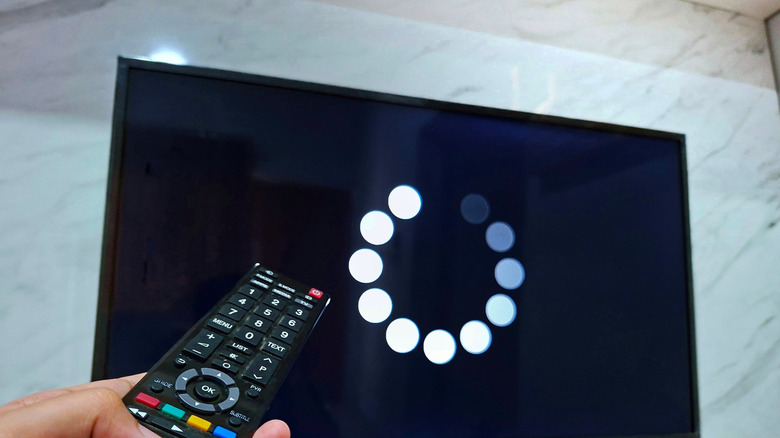
However, despite their overall reliability, TCL TVs can encounter various issues, and you may experience some problems occasionally. The five most frequent issues with TCL TVs consist of lagging, a non-responsive remote, unexpected shutdowns, and audio or visual malfunctions.
Typically, the initial step to take is performing a swift restart. Disconnect the TCL TV from the power source for about a minute, and reconnect it before switching on your TV using the power button on your remote. Updating the firmware can also assist in fixing prevalent bugs. To do this, access Settings > select Device & Software > go to About > press Check for Updates. Once you download and apply the latest updates, restart your TCL TV. If a reboot and update are ineffective, there are various troubleshooting methods available, depending on the specific problem. We will guide you through some straightforward solutions you can attempt before bringing your TCL TV to a repair shop.