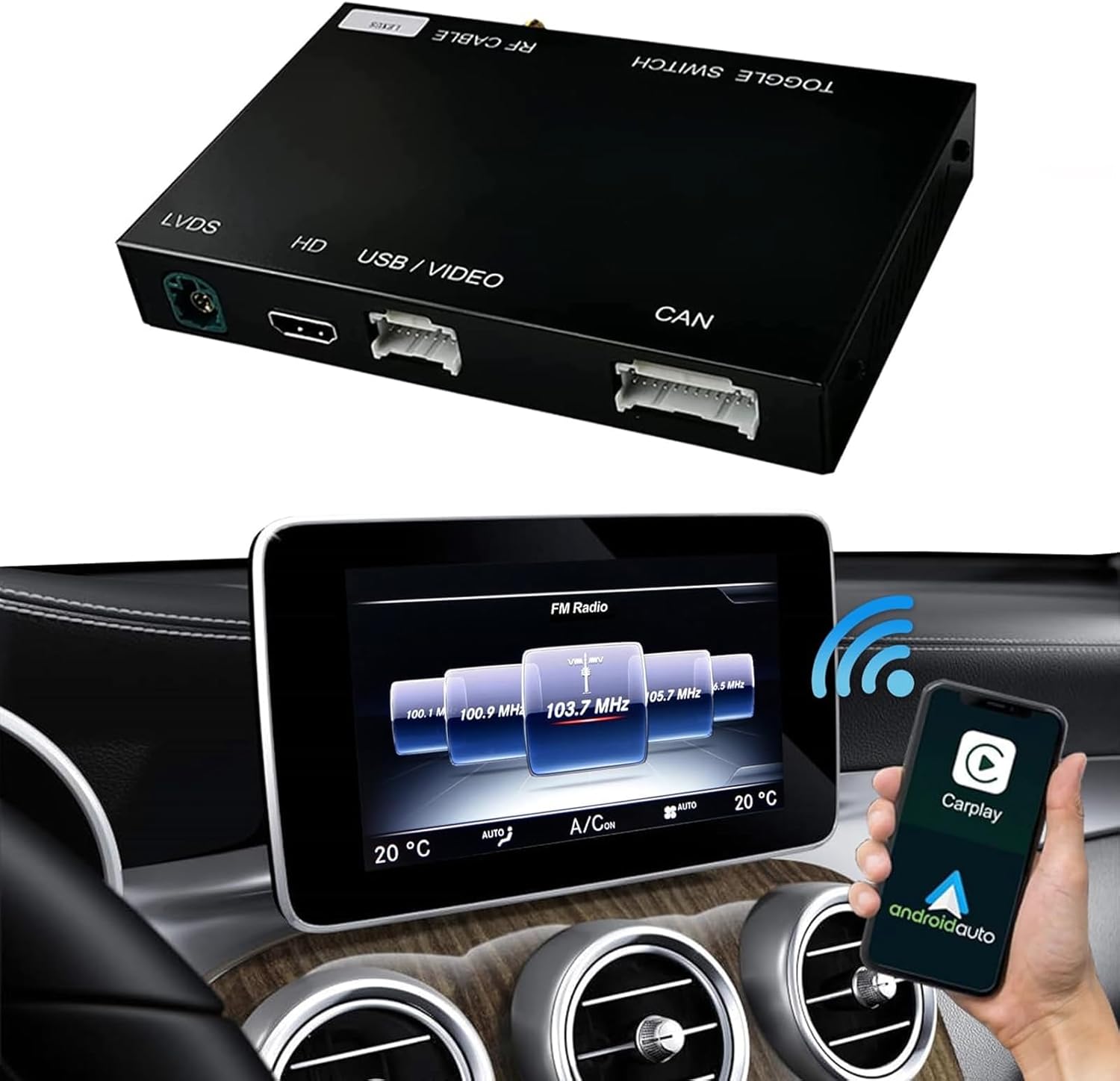
Apple CarPlay icon appears on the dashboard (and if it doesn’t, you might purchase an adapter to enable this feature) — but what is its actual function? Fundamentally, Apple CarPlay represents a more intelligent and safer method to utilize your iPhone while driving. Rather than struggling with your phone for music, messages, navigation, or calls, CarPlay mirrors essential iOS functionalities onto your vehicle’s infotainment screen, offering a familiar interface specifically crafted to lessen distraction.
CarPlay displays Apple Maps on your car’s screen, featuring live traffic updates, rerouting options, and turn-by-turn navigation. It also allows you to send and receive texts hands-free, listen to voicemails, explore playlists, stream podcasts, and manage apps like Spotify, Apple Music, Audible, Messages, and Apple Podcasts. Furthermore, CarPlay connects with calendars and smart home controls (in compatible vehicles) and now includes enhanced dashboards that present navigation, media, and vehicle information simultaneously.
The primary advantage is CarPlay’s seamless operation; your contacts, preferences, music library, and applications are readily available because it functions on your iPhone, not the car. Whether your vehicle accommodates a wired USB connection or wireless CarPlay, the experience is uniform — a more connected, convenient driving journey that diminishes the urge to reach for your phone. Thus, while it may seem like just another dashboard element, Apple CarPlay fundamentally transforms how drivers engage with technology while driving, turning your vehicle into an extension of your iPhone without sacrificing safety. There are also a variety of hidden apps and features that can further enrich your CarPlay experience, beyond what is integrated.
