The Google Maps functionality will prove useful, particularly if you’ve ever found yourself taking longer than anticipated to locate your vehicle in a crowded area. Google Maps assists in recalling your car’s parking location — a feature that has been around for several years. Recently, however, Google enhanced it significantly, automating the process for iPhone users. Previously, it was necessary to remember to manually mark your parking space, which is just as easy to overlook as recalling where you left your car without navigational app assistance.
The reason behind Google opting for an automated parking feature exclusively on iPhone, instead of debuting it on Android first, remains unclear. Typically, Google releases the same map functionalities on both systems, although Android usually takes precedence. Being in control of the operating system allows Google to implement new Google Maps features more swiftly on Android than iPhone. Interestingly, Apple Maps already offers automatic parking location marking. All that’s required is an iPhone 6 or newer operating on iOS 10 or above to access this feature.
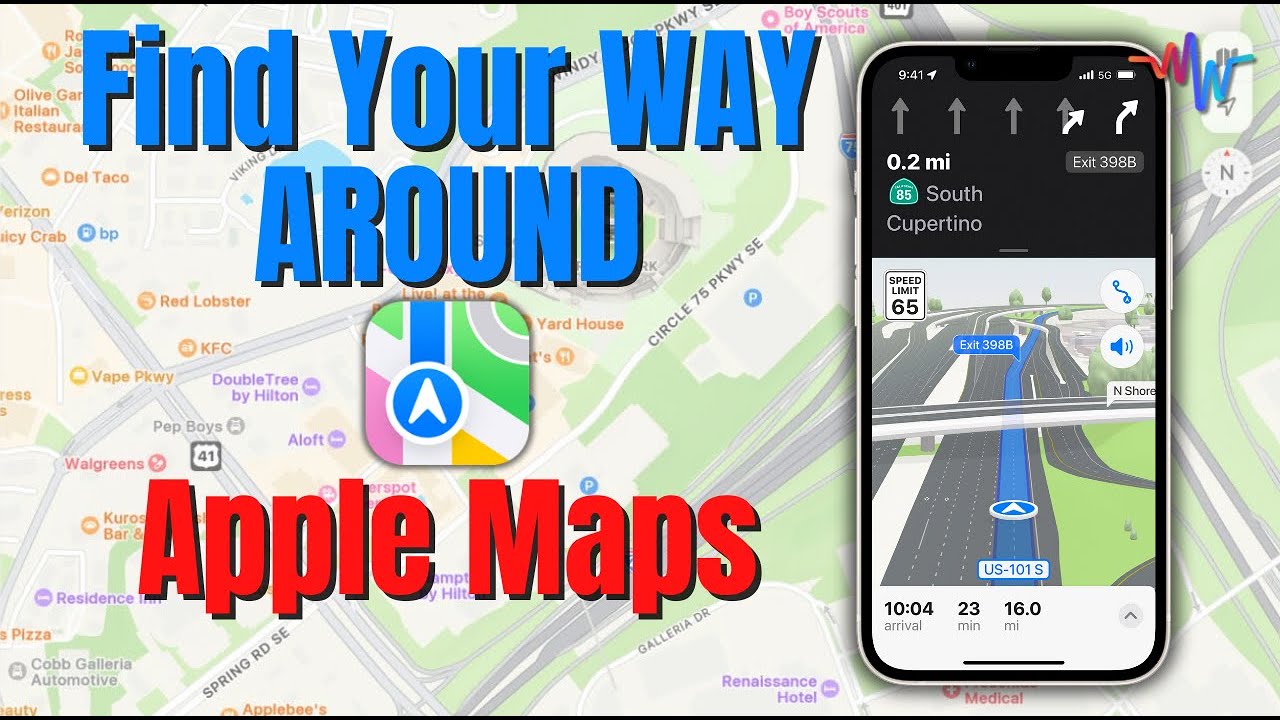
The process within Apple Maps is not entirely automatic. You must activate the Show Parked Location setting in Maps, and afterward, the app will log your parking location once the iPhone disconnects from CarPlay or the Bluetooth system of your vehicle. The connection is essential, as it notifies the app that you are no longer inside your car.
