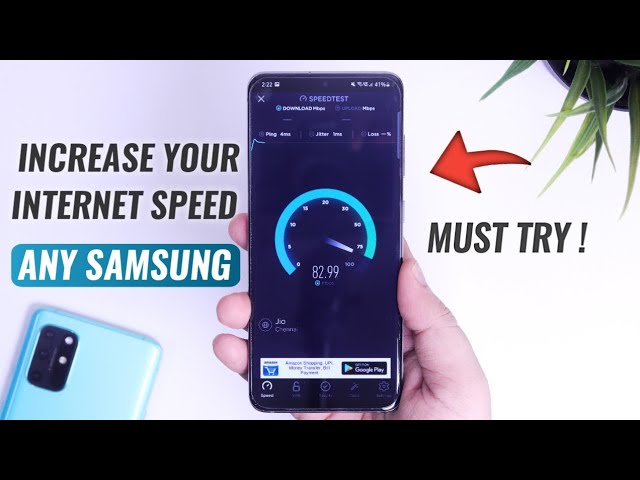
ruin your day quicker than sluggish internet connections. It’s especially aggravating when you’re in the midst of a video call or attempting to upload a critical document. However, as long as the issue doesn’t originate from your service provider or a defective router, one solution could be shifting from Wi-Fi to an Ethernet connection. But what if you’re using your Samsung phone instead? You can’t simply plug an Ethernet cable into your device like you would on a computer. You will need to purchase an adaptor to facilitate that.
To achieve quicker internet speeds on your Android phone, what you typically do is enable your mobile data or connect to a more reliable Wi-Fi network. Carrying out either of these actions can easily interrupt your workflow, particularly if you have to switch back and forth numerous times throughout the day. Fortunately, Samsung provides a hidden setting that you can utilize for enhanced internet speed with minimal manual effort: Intelligent Wi-Fi.
