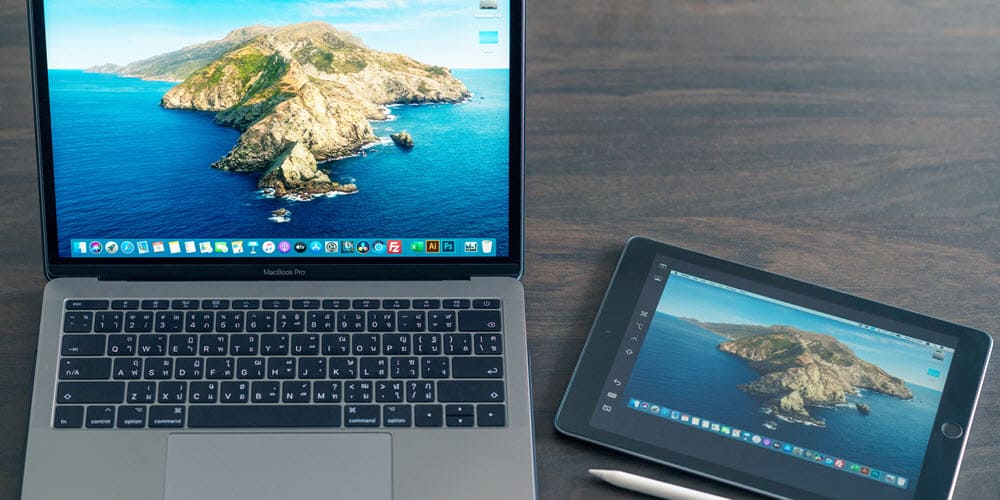
using a single ultra-wide monitor, you’re probably familiar with a dual-monitor, side-by-side layout, offering tons of extra space in landscape orientation to lay out documents for your workflow. But have you ever noticed that not all productivity programs are designed to be laid out side by side or in a landscape orientation? In essence, this means that if you’ve got your dual displays laid out like this, you may be doing it the wrong way.
Enter: the vertical display. Most monitor arms allow users to rotate their screen to a 90-degree, portrait-oriented angle. Why is that? Well, some programs or workflows actually lend themselves much better to this orientation — effectively offering more space up and down than left to right. Plus, if this vertical orientation is paired with a second monitor in horizontal orientation, you could have the best of both worlds for whatever your workday needs.
