
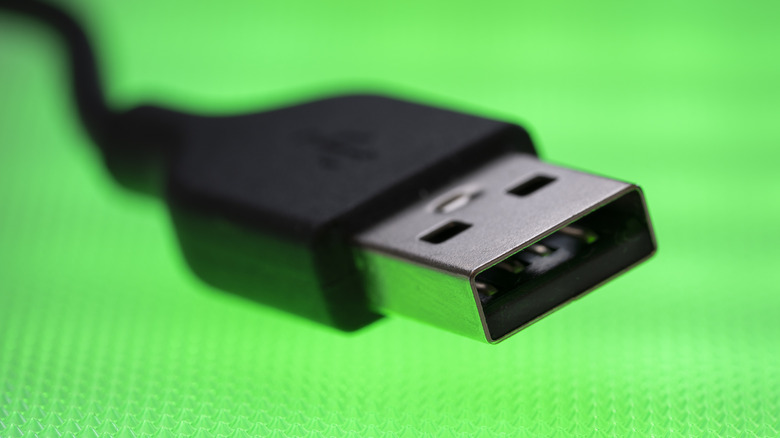

handy USB-A devices available, be it wired keyboards and mice, storage drives, laptop cooling pads, or webcams, this ambiguity can often result in annoyance. However, it doesn’t have to be this way. You can easily determine which side of the USB-A connector should be facing up.
Even though both faces of a USB-A connector seem symmetrical and alike, they are not identical, both externally and internally. Upon closer examination, you will see that one side features a slight zigzag seam on the exterior and a plastic plate on the interior. That side is the bottom, while the perfectly flat side is the top of the USB-A connector. Recognizing this difference can save you a few seconds each time you connect a USB-A device. When inserting, position the device so the top side is facing upward. If your computer has vertical ports, the side with the seam should be oriented to the left. Certain devices may also have inverted ports, but this should be apparent during your initial attempt to connect a USB-A device.