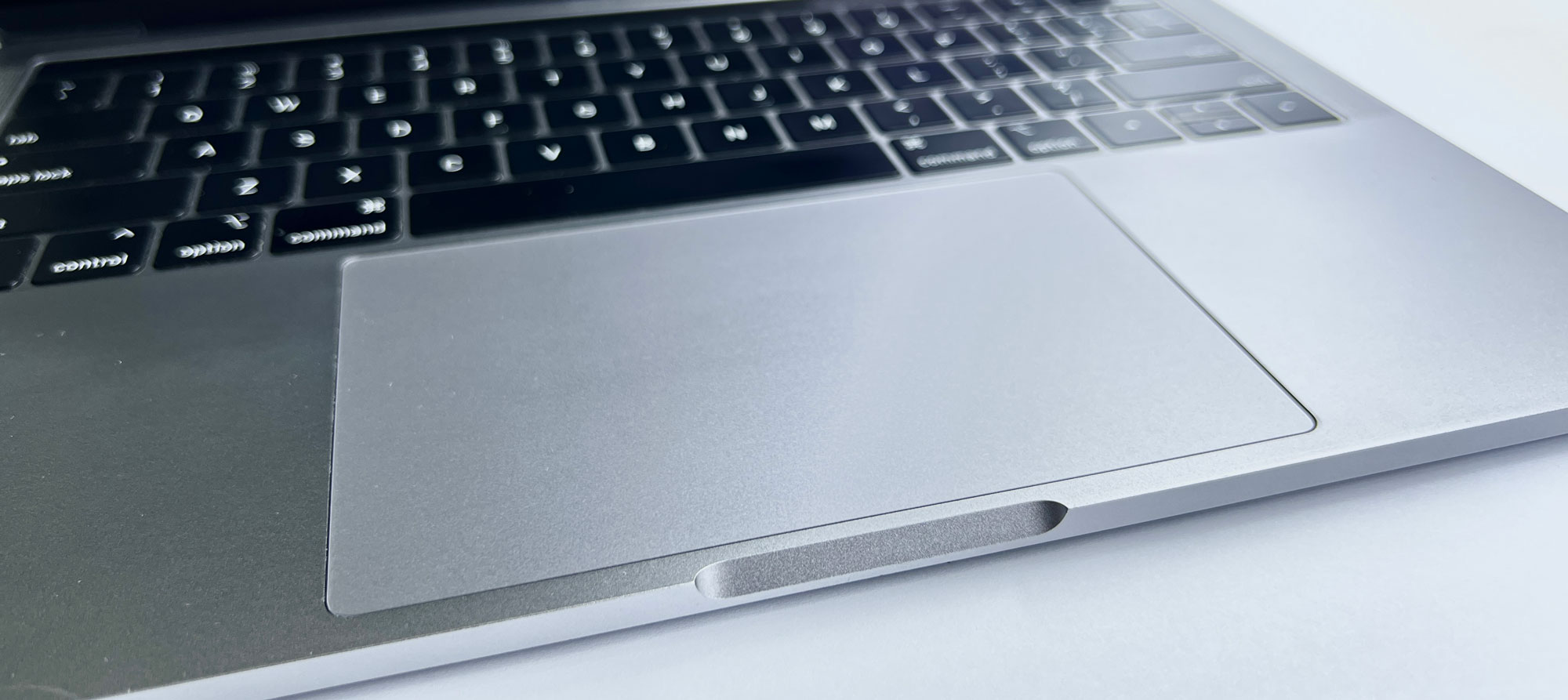
safely wipe down your MacBook’s display and surfaces, but there’s one section that often presents a bit more challenge when it comes to eliminating grime and dirt: The trackpad.
If you’re not using an external mouse with your device, that small square is working overtime. It gathers fingerprints, soaks up every bit of skin oil your hands can produce, and ultimately becomes a dirty spot you’d prefer to ignore. In severe situations, this accumulation might even disrupt your laptop’s haptics or gesture controls, deceiving it into believing you’re swiping or tapping when you’re actually not.
The bright side? Tidying up your trackpad doesn’t necessitate a specialized kit or a visit to the Apple Store. All you truly require is a microfiber cloth and a small container of 70% isopropyl alcohol. Alternatively, you can utilize 70% isopropyl alcohol wipes, 75% ethyl alcohol wipes, or Clorox Disinfecting Wipes. Just ensure you never use bleach, aerosol sprays, or abrasive materials.
