
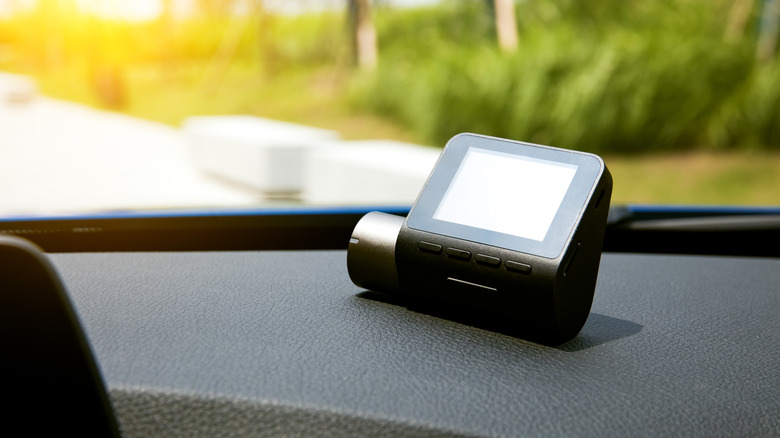

convert an outdated smartphone into a functional webcam. Naturally, with everyone relying on smartphones these days, there’s nearly no necessity for webcams at all. You can conduct video calls, participate in conference calls, or attend meetings, all through your phone. However, if you prefer to sit at your desk and utilize a more conventional setup without spending on a dedicated webcam, there’s an alternative trick you can execute. You might be able to utilize an older dash cam and configure it similarly.
It’s essential to understand that this won’t function with every dash cam available. This is due to the requirement for USB connectivity between the camera and the computer. What you need is a camera that operates on UVC (USB video class), the protocol that enables cameras to interact with a computer or different devices, particularly during video and audio streaming.
The straightforward method to verify is to connect your dash cam to your computer via USB and observe if a mode-select screen appears. If such a screen does not show up, just confirm if the computer acknowledges the camera. Most operating systems, including Windows, Linux, and macOS, should detect a UVC camera and allow you to select and utilize it as such. If the dash cam is recognized as a mass storage device or USB storage, it likely does not support UVC. You can also consult the original user manual or documentation for your dash cam.