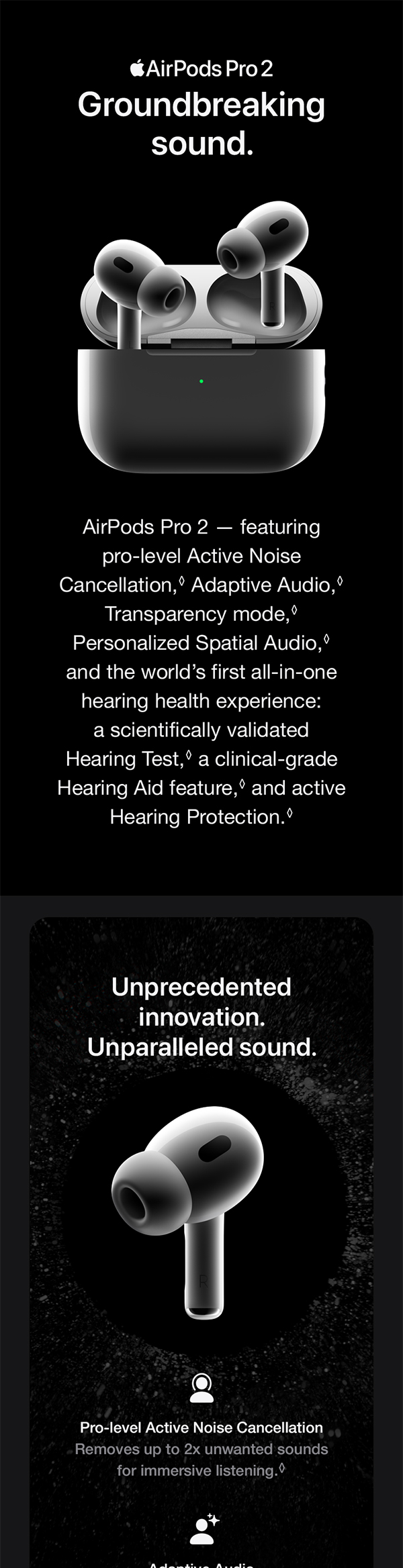
positively acclaimed AirPods Pro 3 are the latest noise-canceling earbuds from Apple, excelling at ensuring your workday remains free from distractions. However, aside from the array of audio presets available in iOS, is there another method to tailor the sound of your AirPods? Indeed, there is, and it doesn’t necessitate downloading an additional application.
With the Headphones Accommodation feature found in iOS and iPadOS 14 or newer, you can finely adjust your AirPods for a more customized listening experience. The AirPods models that are compatible include AirPods 2, 3, and 4; AirPods Max; AirPods Pro 1, 2, and 3; along with Apple EarPods (featuring a 3.5mm headphone plug or Lightning connector). Additionally, Beats Fit Pro, Beats Solo Pro, Powerbeats, Powerbeats Fit, Powerbeats Pro, and Powerbeats Pro 2 are also supported.
To begin, take your iPhone or iPad and navigate to Settings, then Accessibility, followed by Audio & Visual, and finally Headphone Accommodations. Turn it on, then decide whether you want Accommodations to apply to Phone, Media, or both. After that, you’ll have the option to use the Custom Audio Setup tool to calibrate your AirPods (these settings can also be adjusted manually).
