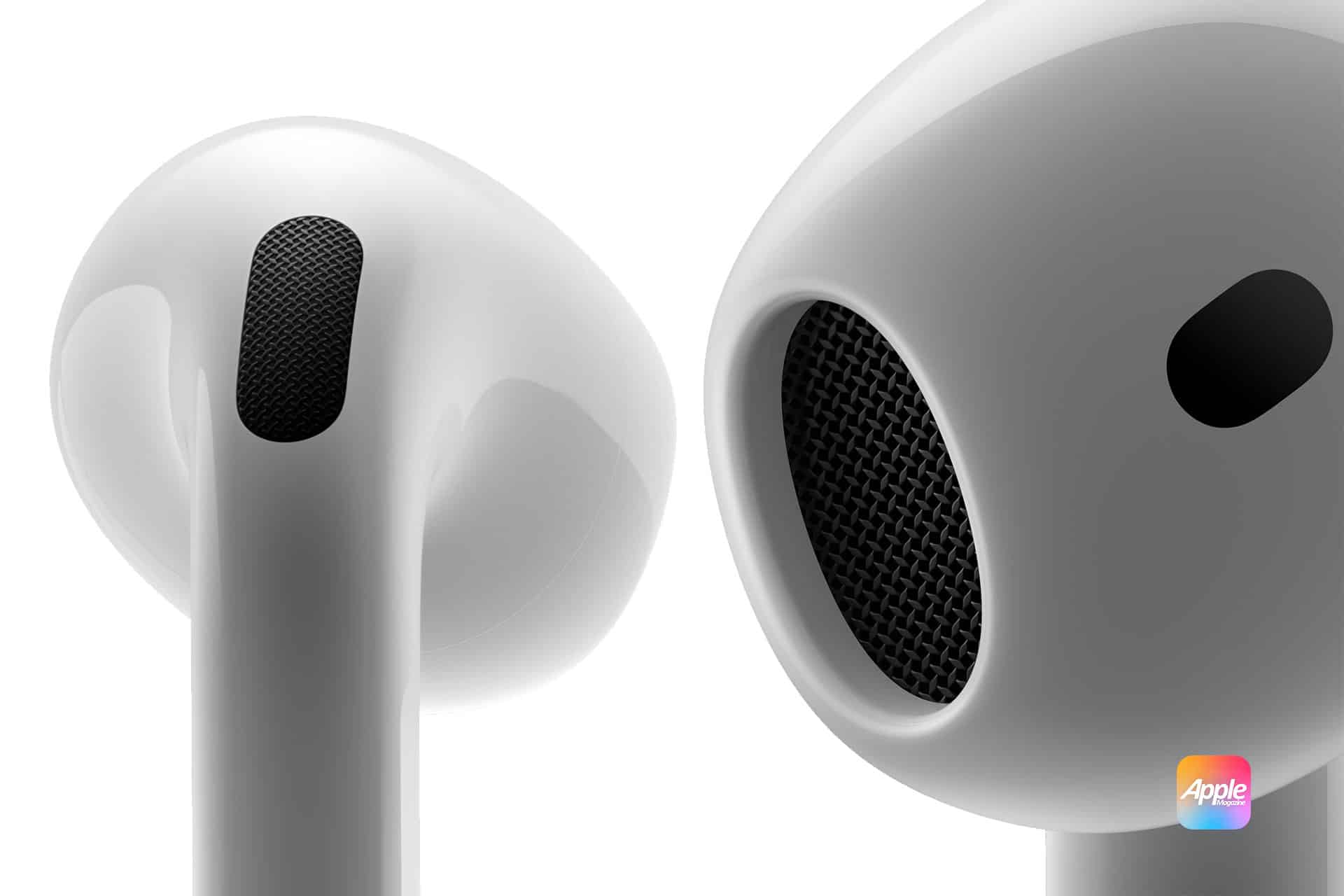
AirPods Pro 3 – users are presented with an extensive range of features to experience the company’s finest wireless earbuds. However, as Apple introduces additional functionality, some users might find it challenging to utilize all the features fully, as their activation can entail multiple steps. This is the reason we compiled a list of all the AirPods Pro 3’s settings, enabling you to uncover what you can do with them.
After connecting your AirPods Pro 3 to your iPhone, head to Settings and select your AirPods. Here, you can assign a name to your earbuds that differs from Apple’s standard labeling. This interface permits you to alternate among the various listening modes, such as Transparency, Adaptive, or Noise Cancellation, alongside various other selections. Here’s everything additional you can achieve with your new earbuds.
