
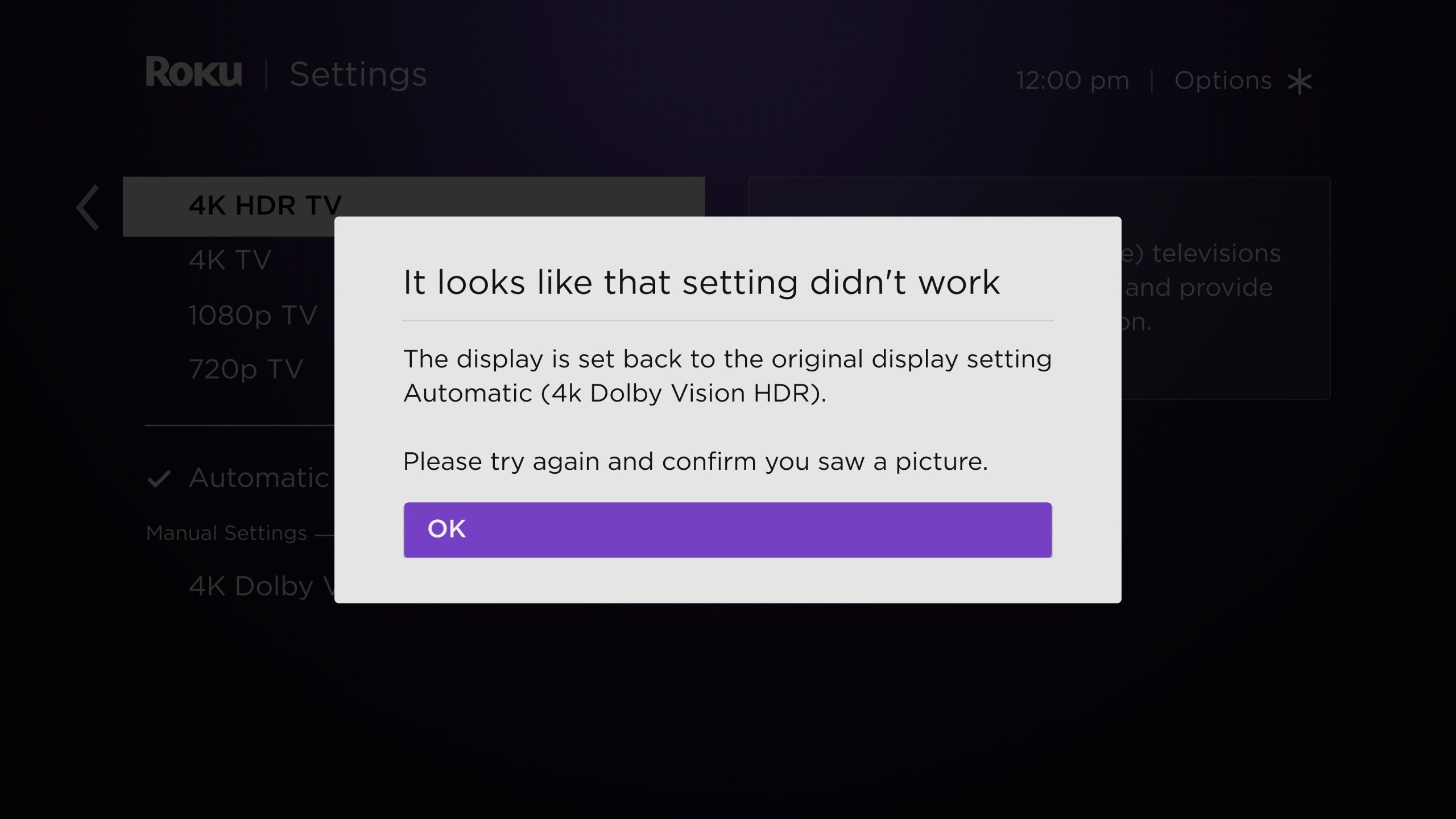

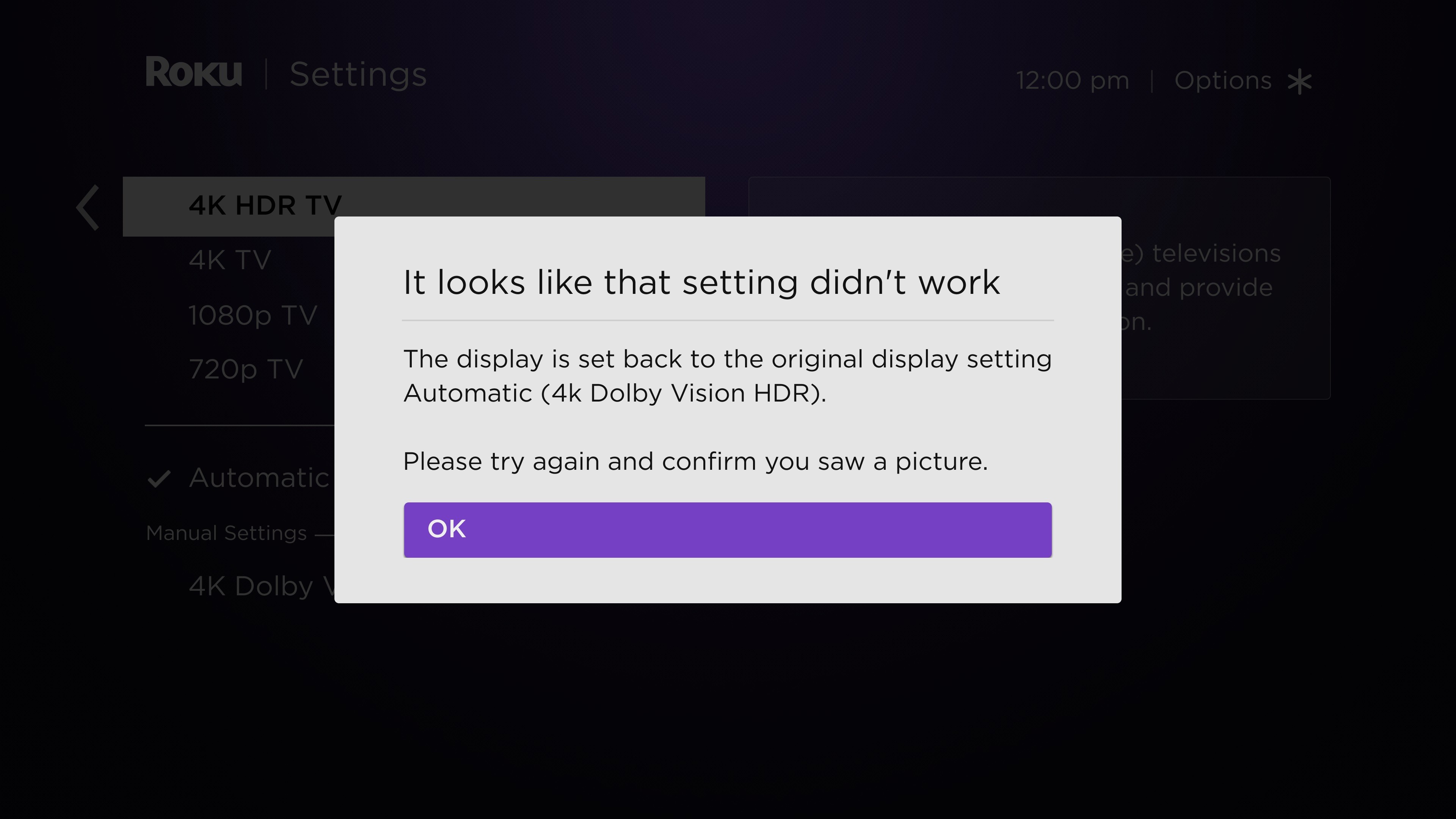
Roku streaming devices have many advantages. They are quite budget-friendly, feature a straightforward and user-friendly interface, and grant access to all major streaming platforms, making them an excellent option to enhance your older non-smart TV with smart TV functionalities or to upgrade your TV’s current operating system. That said, Roku devices are not without flaws. Similar to other smart TV systems, Roku streamers can encounter issues, many of which are easily identifiable and resolvable. One common issue is the incorrect TV display resolution set by your Roku streaming device. This can lead to suboptimal content resolution and overall lackluster visual performance.
If your Roku is operating with the wrong resolution, you might also notice pixelated visuals or, in rare instances, oddly cropped content. This usually occurs when your Roku cannot properly identify the display capabilities of your smart TV, resulting in it providing content at a resolution lower than what your TV can support. Another contributing factor could be the selection of an incorrect HDMI port or an incompatible HDMI cable when connecting your Roku streamer. Not all HDMI ports on televisions are equal, and if your Roku is connected to an older HDMI port, it may fail to recognize your TV’s actual display capabilities. Likewise, an outdated HDMI cable can lead to display problems. Fortunately, there are fairly simple solutions for these issues.