
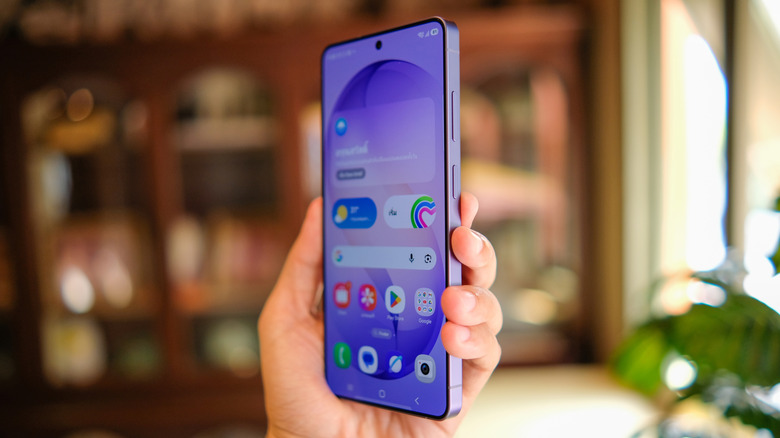

Samsung Galaxy S26 Ultra is an impressive smartphone. While it may not offer significant upgrades over last year’s Samsung flagship, the S25 Ultra — with the primary enhancement being the advanced Snapdragon 8 Elite Gen 5 processor designed for Galaxy devices. Nevertheless, it introduces a feature that’s catching attention in the tech world: the Privacy Display capability of the S26 Ultra.
There have always been methods to shield your phone screen from onlookers, so the idea itself isn’t novel. However, in contrast to third-party screen protectors, this feature is integrated into the device itself, allowing you to toggle it on or off at your convenience. It can even be activated for particular apps or sections of your display, such as selectively hiding notifications.
The Privacy Display of the Samsung Galaxy S26 Ultra represents a significant advancement for the smartphone market, though it has its limitations: activating the Privacy Display slightly reduces its visual clarity at certain viewing angles. A noticeable variance exists in screen appearance before and after enabling Privacy Display regarding brightness and pixel sharpness. However, even when Privacy Display is turned off, the screen remains marginally dimmer in comparison to other Samsung devices, including last year’s Galaxy S25 Ultra.