do not feel remorse about discarding the device. It may serve as a secondary storage option, facilitate file transfers between computers, or act as a portable boot device. However, if it fails to function in these capacities, or you prefer to minimize clutter, it’s time to dispose of it properly.
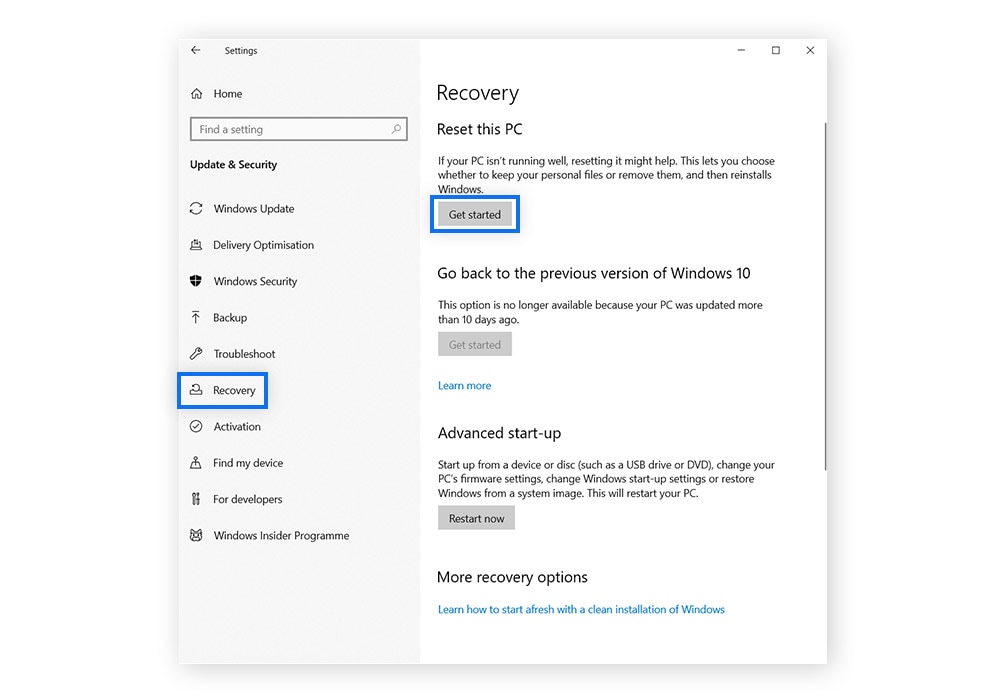
Refrain from simply throwing it in the garbage or leaving it at a nearby recycling center without ensuring your personal data remains secure. To dispose of a hard drive correctly, you must eradicate any software, files, and information. Subsequently, physically destroy it to guarantee that no one can retrieve your information.
Even seemingly harmless items, like backups of old images that you’ve transferred to cloud storage or outdated copies of past projects, can reveal a lot about you through just a bit of information. After that, it’s time to bring it in for secure recycling.
