

can endure for several days on a single charge, even without modifications to settings aimed at prolonging battery life. Innovative technologies such as silicon-carbon power cells are continually redefining the boundaries, and even if your phone does get low on power, you can swiftly fast-charge without damaging the battery’s longevity. Mobile device batteries can discharge and recharge for numerous cycles before experiencing a significant decline in battery health, permitting users to keep the same device for multiple years prior to upgrading or changing the battery.
In spite of the progress in battery technology and safety, batteries can experience malfunctions or mishaps that might lead to swelling issues, which can be hazardous. It is crucial for Android users to respond promptly as soon as they notice their battery beginning to swell to minimize the chance of the power cell smoking and igniting. They should cease using the device and pursue a battery replacement that also facilitates the safe elimination of the old battery.
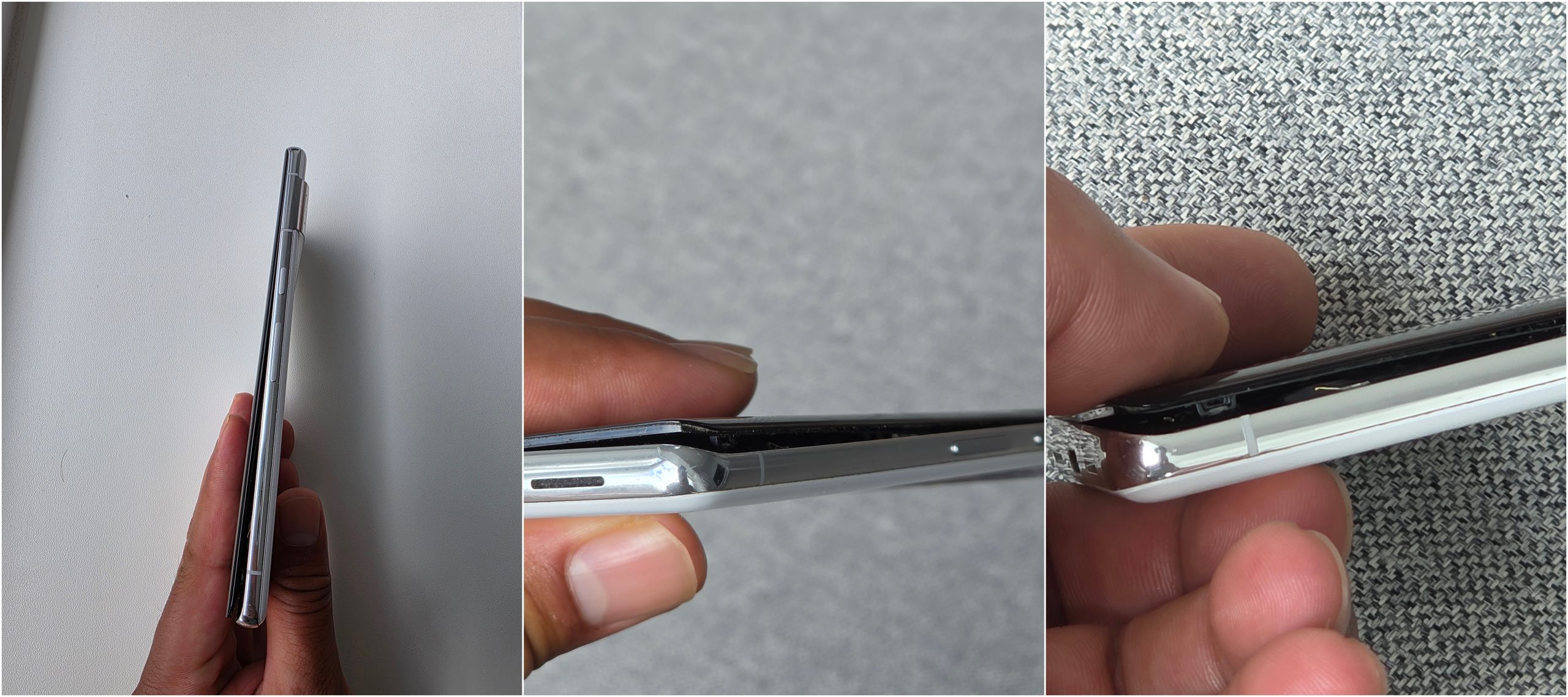
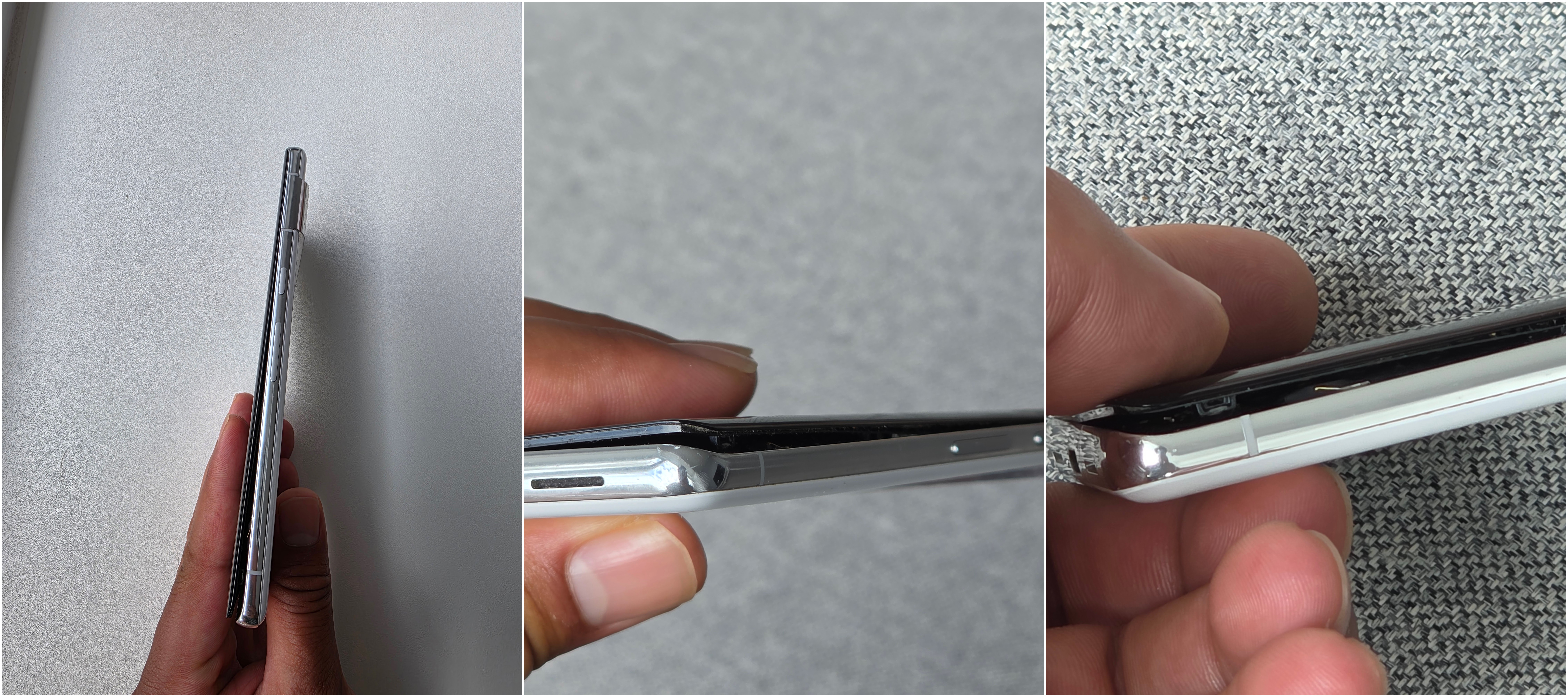
A swollen battery signifies that gas accumulation may have occurred within the power cell. When swelling happens in a battery-operated device like an Android phone, users may observe the front or back of the device separating from the main body. The swollen battery might push the display outward and become noticeable. Upon this occurrence, users should take immediate action. This bulging could be the initial indication of a serious issue, but it is still better than experiencing any smoke emanating from the battery or noticing the scent of something burning.