
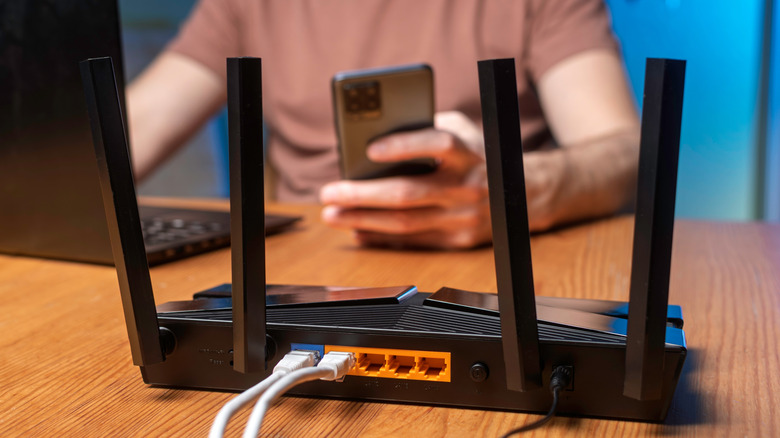

modems and routers. Indeed, certain routers feature an automatic restart capability within the administrative or mobile app interface. Activating this option will allow the router to restart automatically at specified intervals — daily, weekly, or otherwise.
But how frequently should you restart your router? Advocates suggest rebooting or restarting it monthly, sometimes even weekly, though this also hinges on your local network conditions. For instance, if your modem indicates it’s connecting properly, but your router and local network lack internet connectivity, performing a power cycle may assist in re-establishing the connection.
You can reboot your router in several ways. The simplest method is to disconnect the power cord or adapter and wait 30 seconds before reconnecting it. In some router applications, such as TP-Link’s Tether app, you can either turn off the router and restart it manually or program it to follow an automatic schedule. Alongside mobile apps, most routers come equipped with an administrative software tool accessible by entering the router’s IP address in your computer’s internet browser — typically, this address is either 192.168.0.1 or 192.168.1.1. Once the correct IP address is entered, an administrative login screen will appear. Here, you can modify the settings for your Wi-Fi router, and you can also use the tool to restart the router manually.