

new efficiency enhancements that bring your iPad closer to substituting your laptop.
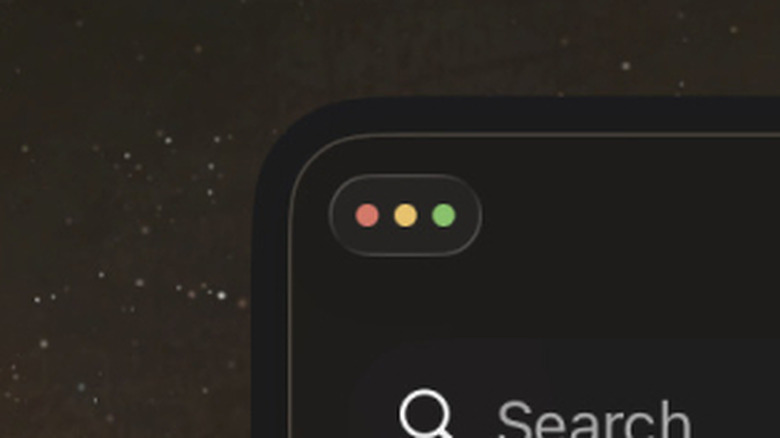
Among these enhancements is the introduction of the window control traffic light-style buttons that have been present on Macs for a long time. These three dots appear at the top of an iPad application when it’s not in full-screen mode. Pressing the three minimized buttons expands them, allowing you to tap each button to manage your app window in one of three methods.
The three traffic light buttons function just as they would on a Mac and are quite intuitive. The green button on the right centers the app and activates full-screen mode for it, while the red button on the left terminates the app. The yellow button in the center minimizes the app, but it operates like closing an app normally on an iPad, as it stays active in the background.