
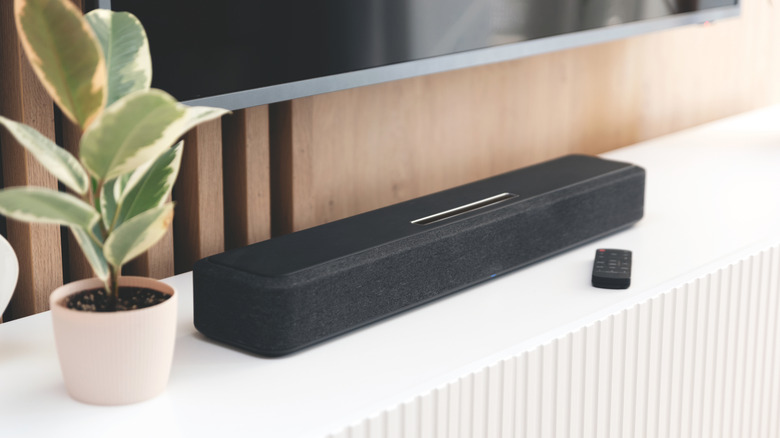

HDMI ARC or eARC connection is a popular option, and we recommend it for soundbars equipped with surround sound features. You’ll also find digital optical audio ports, 3.5 mm analog jacks, and Bluetooth connections among other inputs. Additionally, many soundbars are available with one or two USB ports.
Depending on the specific model, the USB ports are likely intended for one of two functions: to read audio files from a connected flash drive or to serve as a service port for firmware updates. For the majority of soundbars, the primary purpose is the former, and typically, the USB connection is capable of reading and playing popular audio file formats (such as MP3, WAV, WMA) when a correctly formatted USB drive is connected.
No matter the soundbar brand, FAT32 or exFAT often represent the optimal formatting options for USB flash storage, and certain models may experience problems if a drive larger than 32 GB is utilized. We also advise against using deeply nested folders on the drive. For optimal performance, we recommend storing files in the root directory or one level deep (i.e., a folder in the directory leading directly to the supported audio files).