
Jerome Maurice/Getty Images
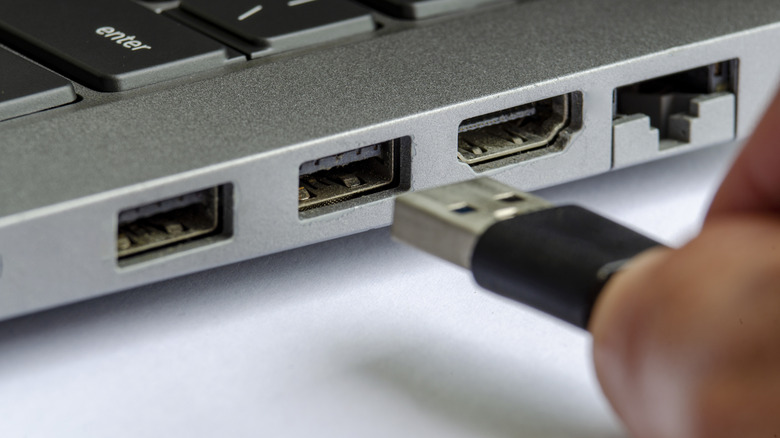
When you prepare to connect an external hard drive or USB flash drive to your preferred device, a decision awaits you. This is because most computers feature several USB ports, and even though they adhere to the same standards, they aren’t all identical. You can attach a USB-A device to any Type-A port, but whether the outcomes differ is another matter. Is it important which USB port you choose? Technically, no. However, in some cases, yes.
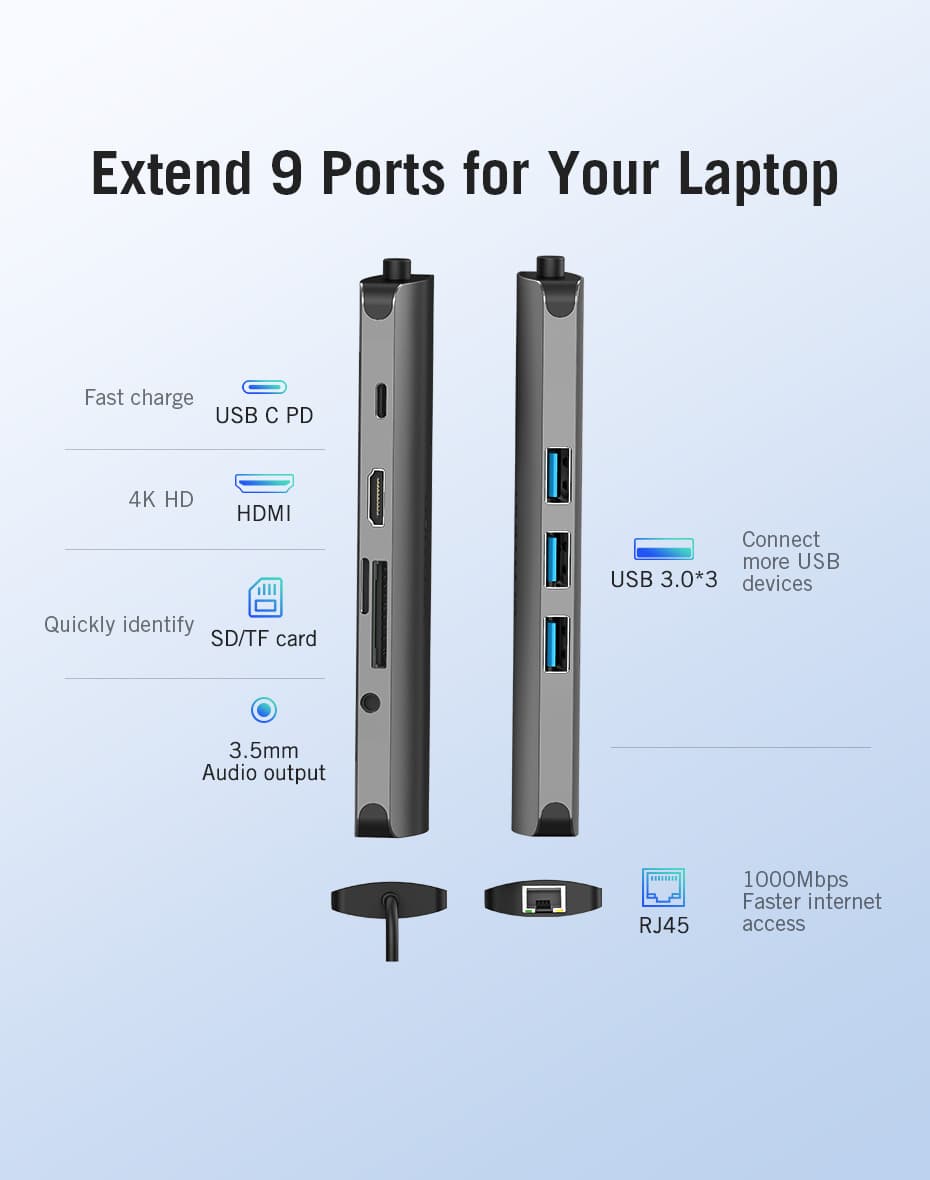
The most frequently used USB ports nowadays comprise USB Type-A, typically found on computers and laptops, along with USB Type-C, which appears on smartphones and portable devices. Other types like USB-B, USB Mini, and USB Micro are less commonly encountered in consumer-grade computers. This discussion will emphasize USB Type-A ports.
Contemporary computers generally provide various USB-A ports of different specifications. Depending on their manufacturing date, they may range from older versions like USB 2.0 to more recent ones like USB 3.1. They offer universal compatibility, yet connecting a modern device to an older port might significantly influence your experience. For instance, file transfers are considerably slower over a USB 2.0 connection, especially if the connected device is engineered for the quicker, modern USB speeds. Therefore, while the specific port may not be crucial for performing the task, since every USB Type-A port will operate adequately with USB Type-A connectors, utilizing an outdated port could impede communication and prolong file transfers significantly.