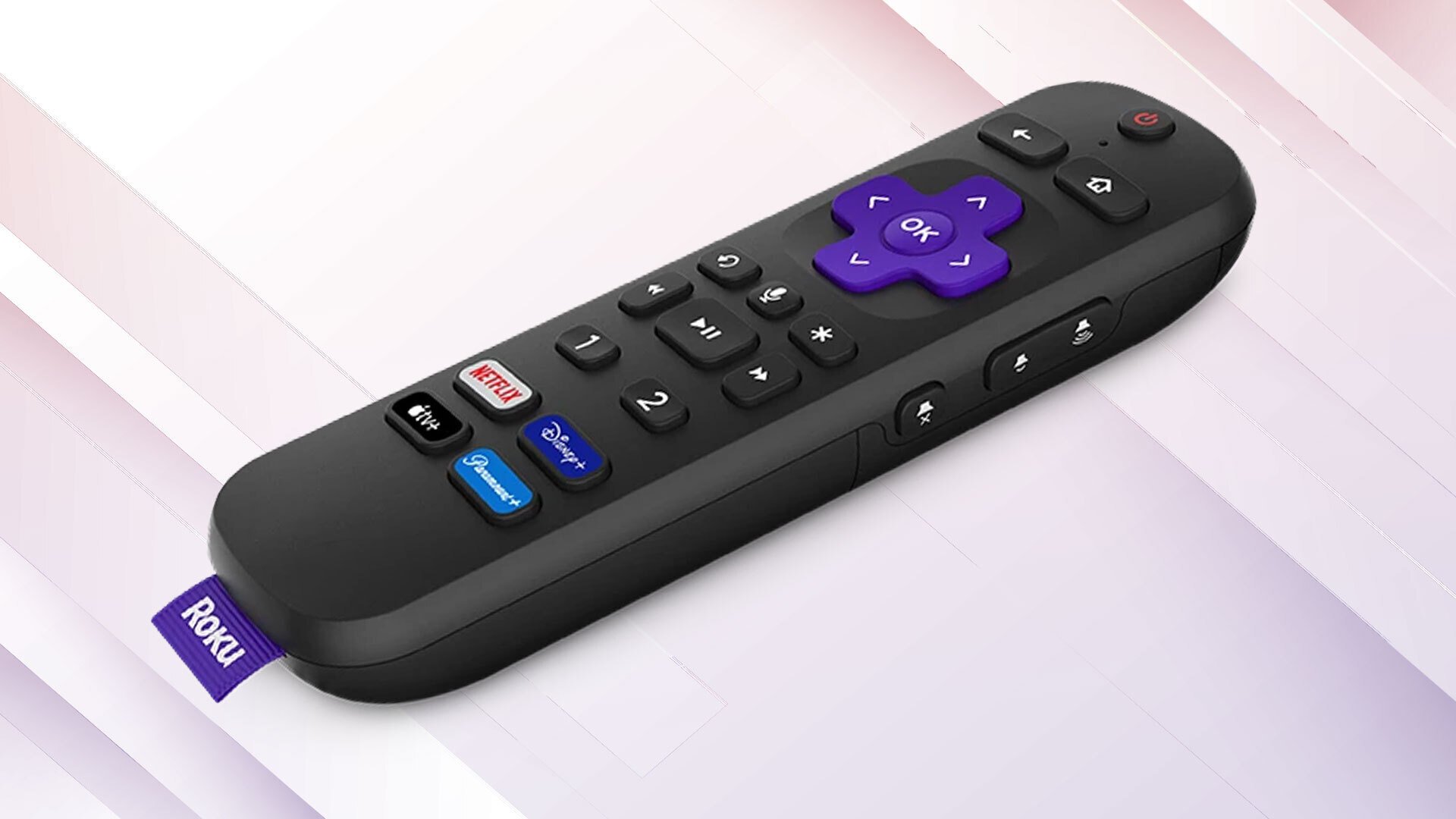
top streaming gadgets for individuals eager to experience smart TV capabilities. The manufacturer provides five different streaming gadgets, each offering an intuitive interface along with a variety of useful and user-friendly functions that enhance your experience. Some features comprise private listening, compatibility with Apple AirPlay, and access to local television broadcasts. Nevertheless, the Roku Ultra and the Roku Streambar SE are significantly more robust (and pricier) options in the brand’s lineup, also offering a few additional perks — like a USB port.
Roku has incorporated a USB port in several of its older models, including the Roku 2 XS. Although the USB port on your Roku TV streamer lacks some versatility compared to a PC’s, it remains quite effective and can serve multiple purposes. If you’ve overlooked the USB port on your Roku, you might be missing valuable opportunities. Here’s how to utilize it to its fullest.
If you prefer to keep media files stored offline and want to view them on your Roku streaming device, you’re in good fortune. You can utilize the integrated USB Type-A port on your Roku item to attach external storage units, such as a USB flash drive or an external hard disk, and access the saved files. The streaming device employs the Roku Media Player app for media playback. While this app is generally pre-installed, you can download it from the Roku Channel Store if it’s absent.
Roku accommodates a broad array of video, audio, image, and playlist formats, granting you extensive options for what you can enjoy. As anticipated, DRM-protected material is unsupported. Additionally, you can provide your own content artwork and subtitles within the USB drive to accompany your media. Another notable feature of
