

major PC manufacturers, perhaps they were onto something with that design decision.
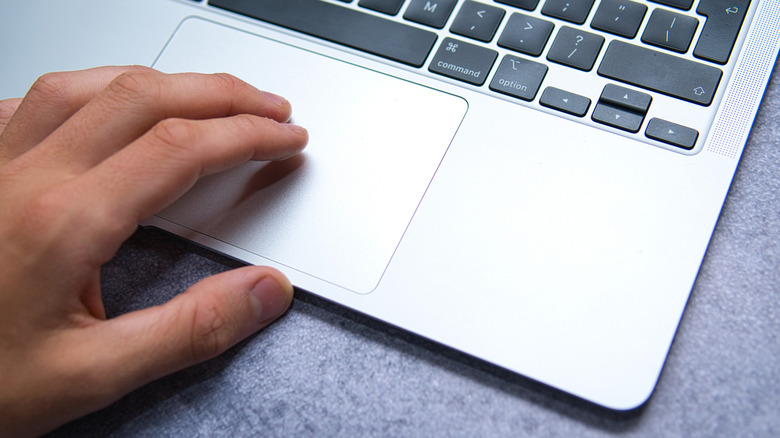
In any case, the trackpad has emerged as the standard default pointing device for laptops, and the Apple MacBook is commonly considered to have the finest trackpad in the industry. It’s expansive and highly responsive, with few laptops on the Windows side matching it in terms of both sensation and capability. In our MacBook Neo Review, we discovered that even Apple’s most affordable, budget-conscious laptop features a trackpad that is “responsive, smooth, and extremely high quality.”
However, here’s the catch: Although the MacBook trackpad is phenomenal for its basic features, there’s an extensive array of functionality integrated into the unassuming rectangle that exceeds expectations. Through the various gestures recognized by your MacBook trackpad, combined with the different options provided by macOS, you can revolutionize the way you navigate your MacBook using the trackpad. With certain adjustments, you may even realize that you prefer the trackpad over an external mouse! Most impressively, many of the MacBook’s built-in trackpad capabilities can be tailored to suit your preferences.