
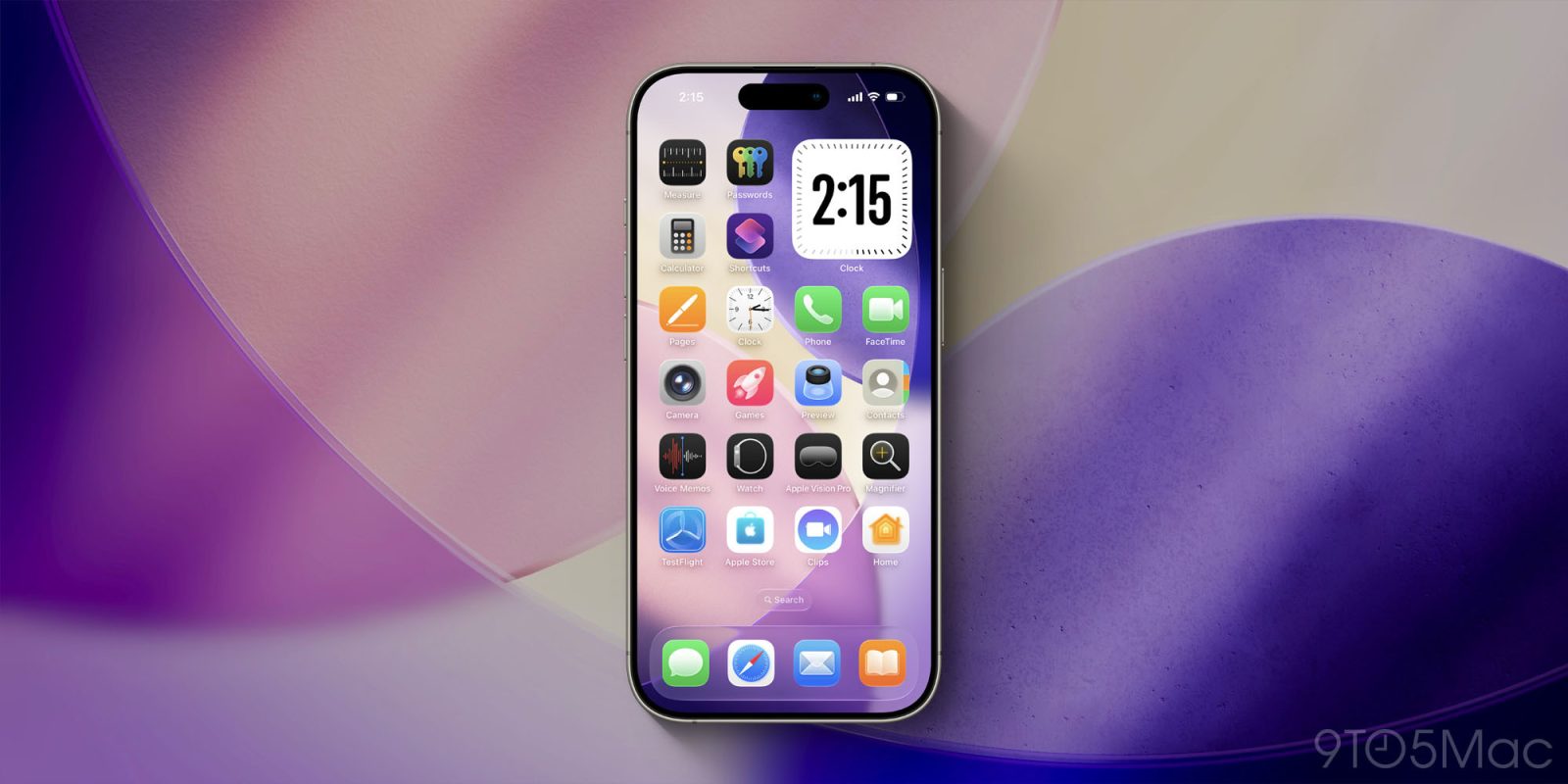

# iOS 26 App Icons Can Be Automatically Color-Matched to Your iPhone or Case Color
Apple has remarkably improved the customization features for iPhone users lately. A prominent capability introduced in iOS 26 is the automatic tinting of app icons to align with the color of your iPhone or its case. This functionality not only offers a personalized touch but also fosters a unified appearance between hardware and software.
## Enhanced Customization in iOS 26
The path towards enhanced personalization started with iOS 18, which enabled users to customize app icons on the Home Screen, including a Tinted look. With iOS 26’s arrival, Apple has broadened these choices by adding two new tinting capabilities:
1. Tint that corresponds with your iPhone’s color.
2. Tint that corresponds with your iPhone’s case color.
This improvement recognizes that numerous users favor a consistent visual theme across their devices, facilitating a seamless look.
## How to Color-Match Your Home Screen Icons to Your iPhone
To take advantage of this new feature and tint your app icons to correspond to your iPhone or its case, adhere to these straightforward steps:
1. Long-press on an empty area of your Home Screen.
2. Tap the ‘Edit’ button that shows up in the top-left corner.
3. Select ‘Customize’.
4. Tap ‘Tinted’.
After completing these steps, four icons will appear at the bottom of the screen, positioned just above the ‘Light,’ ‘Dark,’ and ‘Auto’ options. The leftmost button will let you color-match your app icons to your iPhone’s color, while the neighboring button will match them to your iPhone’s case color.
This feature is especially delightful for users who often switch their cases, as it allows for a swift update of the Home Screen aesthetic to harmonize with various outfits or styles.
## Compatibility with Cases
It’s crucial to keep in mind that the case matching feature may not be compatible with all cases. It works with Apple’s official MagSafe cases, and certain third-party cases might also be compatible, but this can differ based on the specific case design.
Have you experimented with the new Home Screen app tint settings in iOS 26? Feel free to share your thoughts and experiences in the comments.