
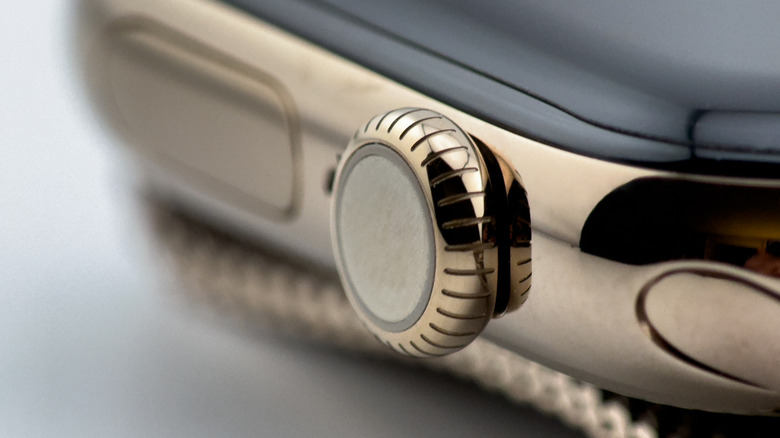

the Apple Watch. Additionally, it functions as a button that can execute various tasks based on how it is pressed or rotated. The capability to scroll through items by turning the dial in either direction enables the user to swiftly locate specific items or sections on the Apple Watch, enhancing the constrained touchscreen display area. Although users can achieve the same tasks through touch input, the Digital Crown allows for quicker navigation. This is presuming users are aware of the full range of functions the Digital Crown provides, as some features might be less apparent or concealed.
Several Digital Crown features are easy to discover. By pressing and holding the button, the Crown activates Siri, provided the voice assistant is set up on the iPhone paired with the Apple Watch. Turning the dial in the App View allows users to scroll through the applications installed on the watch. This same action also facilitates zooming in and out within the Photos app. The Digital Crown is also the button you press and hold to disable the Apple Watch Water Lock feature after swimming. Capturing a screenshot on the watch by pressing the Digital Crown and Side buttons simultaneously might also be a familiar action for users.
However, the subsequent Digital Crown actions can provide even swifter access and improved control over the wearable, assisting you in managing various critical aspects of the Apple Watch, watch faces, and applications.